Topic Pillar & Cluster Hub

The Complete Home NAS & Storage Guide: Protecting Terabytes Locally

Everything you need to know about setting up network-attached storage. Explore drive architectures, ZFS and Btrfs file systems, CMR vs SMR hard drives, and how to configure high-speed network shares for your family.

Carl McGregor
Carl McGregorSelf-Hosting Advocate
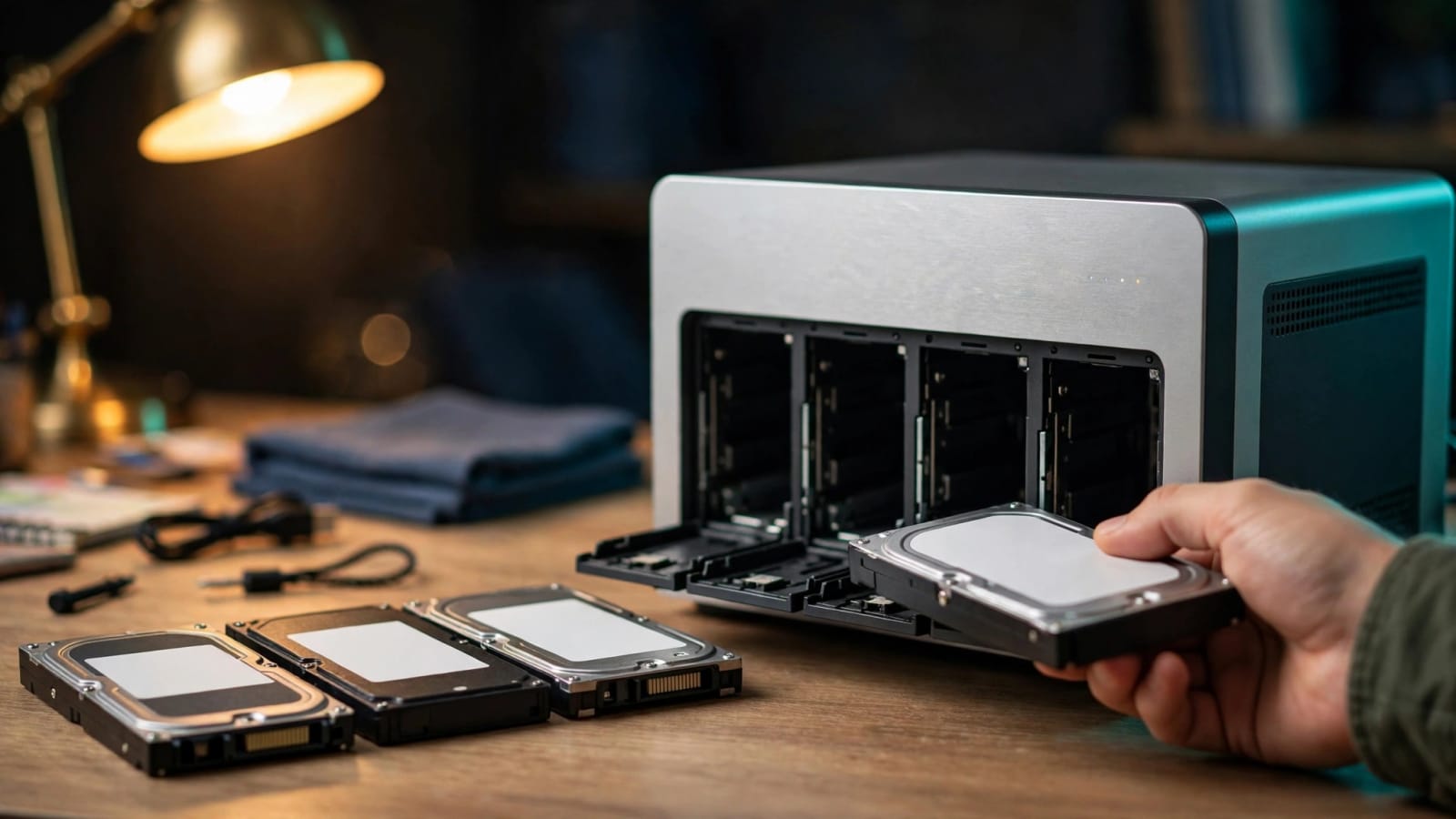
Network attached storage drive bays in a modern home office

Key Principles for this Pillar

  • RAID provides uptime continuity during drive failure, but is never a substitute for independent backups.
  • Always purchase CMR (Conventional Magnetic Recording) hard drives for NAS and RAID deployments.
  • ZFS offers unmatched data integrity protection against silent bit rot through continuous checksumming.
  • Network shares (SMB/NFS) let all family laptops access terabytes of storage instantly.

Core Modules & Concepts

Drives

Drive Selection & Recertified Enterprise Drives

How to buy reliable high-capacity storage at half the cost of retail drives.

Filesystems

Filesystems & Parity Arrays

ZFS, Btrfs, and Unraid parity configurations explained without math jargon.

Sharing

High-Speed Local File Sharing

Configuring secure SMB, NFS, and WebDAV access across Windows, macOS, and Linux.

Maintenance

Drive Health & S.M.A.R.T. Monitoring

Automating alerts before a mechanical hard drive suffers unexpected failure.

Guides & Tutorials in NAS & Storage

4 Articles
October 15, 2026•10 min read

Minisforum S5 NAS: Is This $599 Silent Box Worth It?

Minisforum’s new fanless SSD box is on sale for $599, but the drives cost extra. We break down the specs, the real price per terabyte, and the software risks. Find out if silent flash storage fits your home lab, or if hard drives still win.

By Carl McGregorRead
October 14, 2026•9 min read

Synology DSM 7.3 Third Party Drives: Finally Allowed

A year after DSM 7.3 lifted Synology’s drive lockout, 2025 Plus, Value, and J Series owners can finally shop by price and brand. Here’s what now works, what’s still limited, and how to avoid a costly mistake. Learn what to check before you buy your next NAS drives.

By Carl McGregorRead
October 5, 2026•10 min read

NAS Drive vs Enterprise Drive: Why Prices Doubled

Hard drive prices have roughly doubled in a year, and the old advice to just buy the NAS-labeled drive no longer holds up. We break down recording technology, error-recovery settings, warranties, and real dollars per terabyte so you can pick the smartest drive for your budget. You'll also learn when a renewed drive is a good deal and when it's a gamble.

By Carl McGregorRead
October 2, 2026•12 min read

Synology Advanced Support: Free for Plus NAS Owners

Synology is introducing a free support upgrade for Plus series NAS owners in the U.S. and Canada, guaranteeing a four-hour response time during weekday business hours. While paid 24/7 tiers are also launching, users must still maintain off-network backups since faster support cannot recover lost or encrypted data.

By Carl McGregorRead

NAS & Storage Questions & Answers

How many hard drives should a beginner start with in a NAS?+
Starting with a 2-drive mirror (RAID 1) gives you immediate redundancy: if one drive dies, all your data is instantly safe on the second drive.
What happens if my NAS motherboard fails?+
With open-source storage platforms like TrueNAS (ZFS), your storage pool is not tied to specific hardware. You can plug the drives into any modern computer and import the pool immediately.