Topic Pillar & Cluster Hub

Home Server Privacy & Hardening: Fortifying Your Digital Sanctuary

Security does not have to be intimidating. Discover how modern zero-trust overlay networks, automatic security patches, SSH key authentication, and DNS sinkholes protect your home lab without opening risky firewall ports.

Carl McGregor
Carl McGregorSelf-Hosting Advocate
Cybersecurity lock and encrypted network matrix

Key Principles for this Pillar

  • Never open incoming ports on your residential router—use Tailscale or Cloudflare Tunnels instead.
  • Disable SSH password logins in favor of ED25519 cryptographic key pairs.
  • Automate security patches on Debian and Ubuntu with unattended-upgrades.
  • Block telemetry and smart TV tracking across every household device with DNS sinkholes.

Core Modules & Concepts

Tunnels

Zero Open Ports with Tailscale & WireGuard

Connecting securely from public Wi-Fi without firewall risks.

Hardening

Linux Host Hardening

UFW firewall setup, fail2ban intrusion prevention, and SSH key authentication.

DNS

Network-Wide Ad & Tracker Blocking

Deploying Pi-hole or AdGuard Home to filter trackers at the DNS layer.

SSL

Reverse Proxies & SSL Certificates

Using Nginx Proxy Manager or Caddy for automatic Let’s Encrypt HTTPS certificates.

Guides & Tutorials in Privacy & Security

2 Articles
October 2, 2026•14 min read

CISA Warns of a Critical MikroTik RouterOS Vulnerability

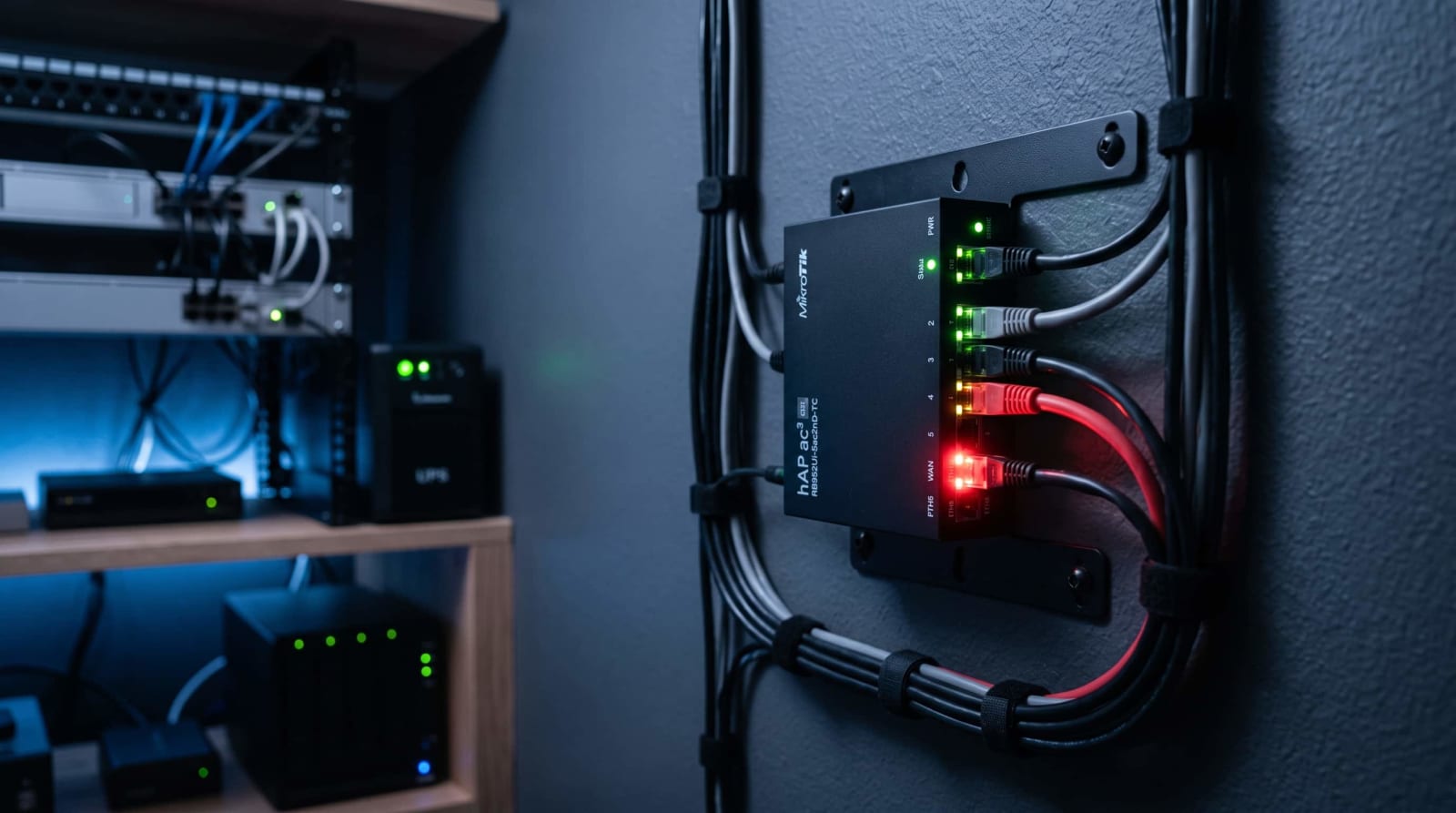
CISA just flagged a critical flaw in MikroTik's router software — CVE-2026-84411 — that lets an attacker take over an unpatched device with a single web request and no password. It affects every RouterOS build before version 7.24, and no hardware swap is needed to fix it. This post walks through what happened, how to check if your router's exposed, and the exact steps to update and lock it down today.

By Carl McGregorRead

October 1, 2026•11 min read

Your October Homelab Security Checklist: 7 Checks to Run

Is your home server quietly open to the internet? This October, spend one evening on seven practical checks: scan your network from the outside, review router port forwards, tighten logins, patch your systems, harden Proxmox, trim your Tailscale routes, and prove your backups work. Each step is beginner-friendly, takes minutes to run, and shows you exactly what to fix first.

By Carl McGregorRead

Privacy & Security Questions & Answers

Do I need commercial antivirus software on my Linux home server?+
No. Following basic security hygiene—keeping ports closed, using SSH keys, and running services inside isolated Docker containers—provides exceptional real-world defense.