Topic Pillar & Cluster Hub

Home Server Troubleshooting Handbook: Fixing Common Gotchas Fast

When things do not go as planned, this troubleshooting handbook is your emergency field guide. Learn how to diagnose Docker crashes, fix Linux file permission errors, rescue unmountable drives, and restore connectivity.

Carl McGregor
Carl McGregorSelf-Hosting Advocate
Diagnostic circuit monitor showing system status checks

Key Principles for this Pillar

  • Learn the 3 vital diagnostic commands: docker logs, systemctl status, and journalctl.
  • Fix permission errors instantly by checking PUID and PGID ownership on mounted folders.
  • Use curl and ping to isolate whether an issue is local, DNS-related, or firewall-blocked.
  • Keep calm: Linux filesystem metadata and Docker volume mappings make data recovery reliable.

Core Modules & Concepts

Permissions

Docker Permission Denied Fixes

Resolving user ID mismatches between host Linux accounts and containers.

Logs

Log Inspection & Diagnostics

Extracting clean error logs from failed services in seconds.

Networking

Network Connectivity & DNS Timeouts

Diagnosing why a container cannot connect to the internet or upstream database.

Drives

Drive Mount Recovery

Fixing /etc/fstab mistakes and safely checking filesystems with fsck.

Guides & Tutorials in Troubleshooting Tips

1 Article
October 3, 2026•10 min read

Windows Server 2022 End of Support: What Changes

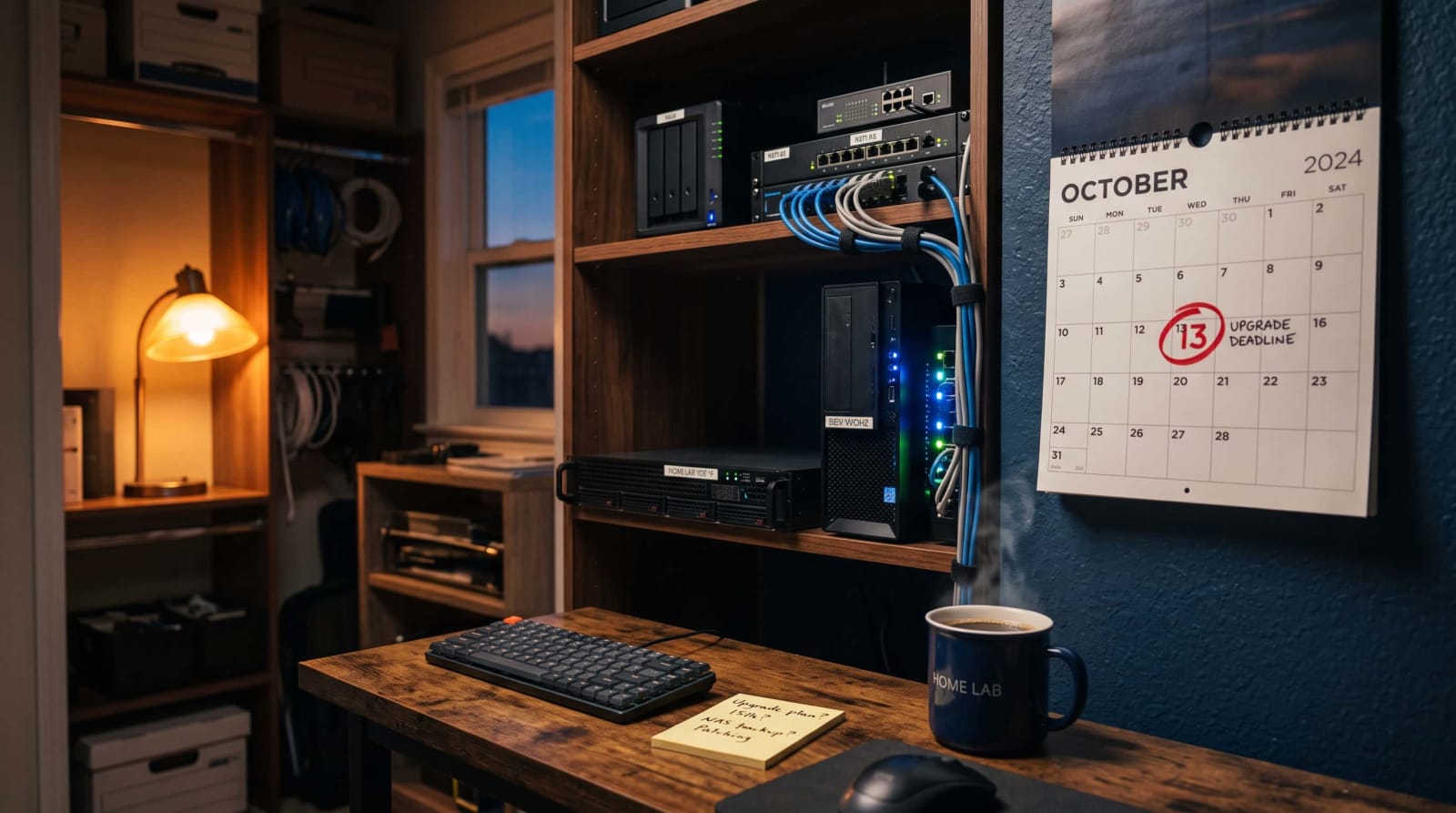
On October 13, 2026, Microsoft ends the full-service phase for the 2022 release of its server operating system. Security patches keep coming until October 14, 2031, but new features, non-security fixes, and free incident support stop. For most home labs nothing breaks overnight, so the real question is when to move to the 2025 release. This guide covers the key dates, what you keep and lose, and a safe step-by-step upgrade plan.

By Carl McGregorRead

Troubleshooting Tips Questions & Answers

My server suddenly stopped booting after editing a config file. What can I do?+
Boot from your original Linux USB installer in "Live" mode, mount your system drive, and revert your configuration edits.