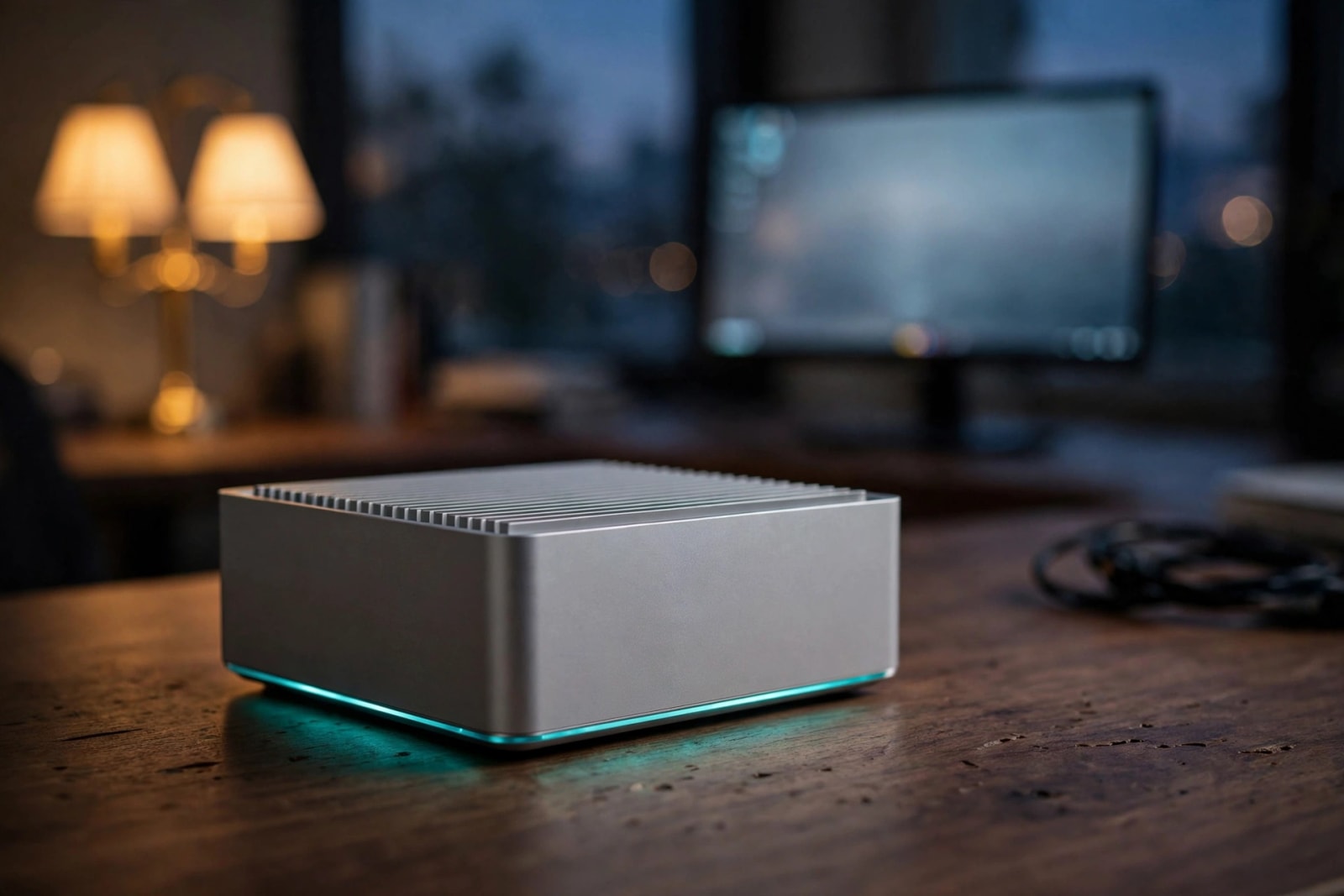
Imagine a Sunday evening at your home office. Your hard drive clicks in the closet, your phone reports that you have almost ran out of storage space again, and a 40 GB video folder slows down and slogs across the Wi-Fi. Sounds like the cure to me is a $599 box with none of the fans, none of the spinning disks and a 10-gigabit port. Below is what it offers, what the drives charge as a premium and who is not supposed to use it.
Quick answer: At a price of 599 (no drives are included) you can have a silent five-slot SSD file server with 10 giga-bit port and no fan. This is logical when you appreciate quietness and speed of everyday files, but not when you require inexpensive bulk storage. Flash is still many times more expensive per terabyte than hard drives and the drives are where the real money is.
Minisforum S5 Price and Release Date: What We Know Now
By October 15, 2026 Minisforum is stocking the box in its American store. The SSDs-free version is listed at $599 in the store, 20% off a list of 749 ( Source: Minisforum store listing). The barebones price, as well as the beginning of sales is confirmed by a news report published the same day ( Source: Notebookcheck).
It was long before we arrived here. The design was originally demonstrated at an event with Intel in May by Minisforum and at Computex in June (Source: VideoCardz). Pricing remained a secret till this day.
The store page has the following options:
- Barebones (12GB memory, 128GB system storage, no data SSDs): currently on sale at 599, and list at 749.
- Crammed with 20TB of SSDs: $3,759 on sale, $4,699 list, and should ship in early November.
Minisforum has not indicated the duration of the discount and therefore, verify the price on the day you make the order. The empty version is priced at 659 in Europe ( Source: Minisforum EU listing ). Keep in mind, the headline of $599 excludes the SSDs, and here the bill swells.
Minisforum S5 Specs: What’s Inside the Fanless Box
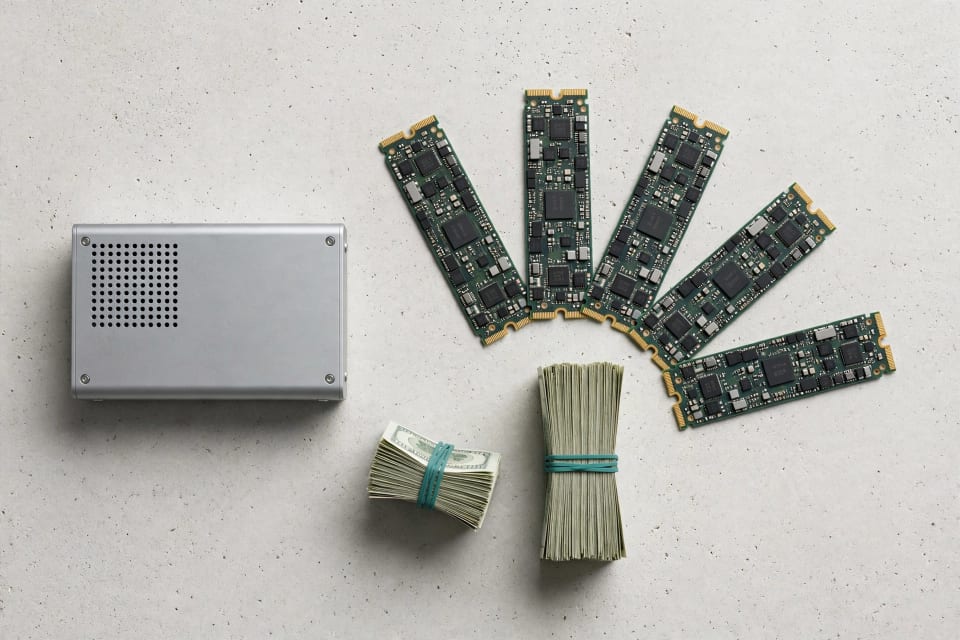
The S5 itself is a small aluminum block, approximately 6.9 by 6.1 by 2.4 inches and weighing approximately 4 pounds which doubles as a heat sink of its own. The following is the spec sheet in ordinary language (Source: Minisforum store listing; Notebookcheck).
| Spec | Details |
|---|---|
| Processor | Intel Core 3 304, 5 cores / 5 threads, up to 4.3 GHz |
| Power | 15W base, 35W max turbo |
| Memory | 12GB LPDDR5X (soldered, not upgradable) |
| System storage | 128GB UFS module that holds the operating system |
| Data storage | Five M.2 2280 NVMe slots, up to 40TB (five 8TB drives) |
| Networking | 10GbE + 2.5GbE, Wi-Fi 7, Bluetooth 6 |
| Other ports | Two USB4 (40 Gbps), HDMI 2.1, USB-A |
| AI engine | 15 TOPS (light tasks only) |
| Cooling | Fully passive, no fans |
Early previews consisted of 16GB of memory and a 64GB system module. The existing store page displays 12GB and 128GB hence believe the checkout page than the older articles (Source: VideoCardz; Minisforum store listing). The memory is not upgradable (soldered in) hence one can never add more memory to it at any point (Source: NAS Compares).
Ports and Networking
The headline is the 10GbE port. Its actual performance is approximately 1.1 gigabytes per second, approximately ten times quicker than the gigaficit port of most home routers. The 2.5GbE port is appropriate in the second network or a backup connection.
The only snag is that your computer, and cable and switch have to support 10 gigabit as well or the NAS is lowered to the slowest connection. That is solved with a direct cable to a 10GbE desktop, or small 10GbE switch. The fast external drives can also be connected to the USB4 ports.
Why the PCIe x1 Slots Matter
The five NVMe slots have one PCIe 4.0 lane each (Source: VideoCardz). That limits any drive to about 2 gigabytes, regardless of how fast the drive is rated. It is even quicker than the port could carry on 10GbE, so forget flagship drives and purchase mid-range ones.
The processor is not very large. The Core 3 304 features a single high-speed core and 4 low-power cores and it is the entry chip in the new line of Intel chips (Source: VideoCardz; Wccftech). It works with file sharing and some applications, and can decode AV1 video and encode it. The AI engine is not big enough to do serious local AI work (Source: Notebookcheck).

MinisCloud OS: The Software Side of the Story
The purchase is half the battle. The box is running Minisforum own NAS software which is also used on their larger hard-drive models. It is allegedly based on the framework of another company called Siyouyun, which is based on Debian (Source: NAS Compares).
A third party review of a larger Minisforum model discovered much to be liked: ZFS snapshots and compression, SMB file sharing, user management, and Docker apps (Source: LinuxLinks). It also had its limits. It runs on a detachable 128GB module, which needs to remain connected, storage pools are ZFS only, and configuration occurs via an app rather than a screen on the NAS.
Take those findings as a preview, as the review was done on another model. The software is still referred to as beta on its own pages of sister models on Minisforum ( Source: Minisforum store listings ). We have not been able to have our physical hand time on the S5, hence we cannot tell how smooth it is.
Two practical tips:
- Maintain a small list of containers. ZFS is based on caching with a spare memory and the 12GB of the S5 is fixed.
- Don’t count on swapping the operating system. The listings of Minisforum do not make it obvious that one can.
A private mesh network is necessary to have access to your files outside of your home without having to open ports on your router. The options are explained in our comparison of Tailscale, NetBird, or Twingate.
All-Flash NAS vs HDD NAS Cost per TB: The Real Math
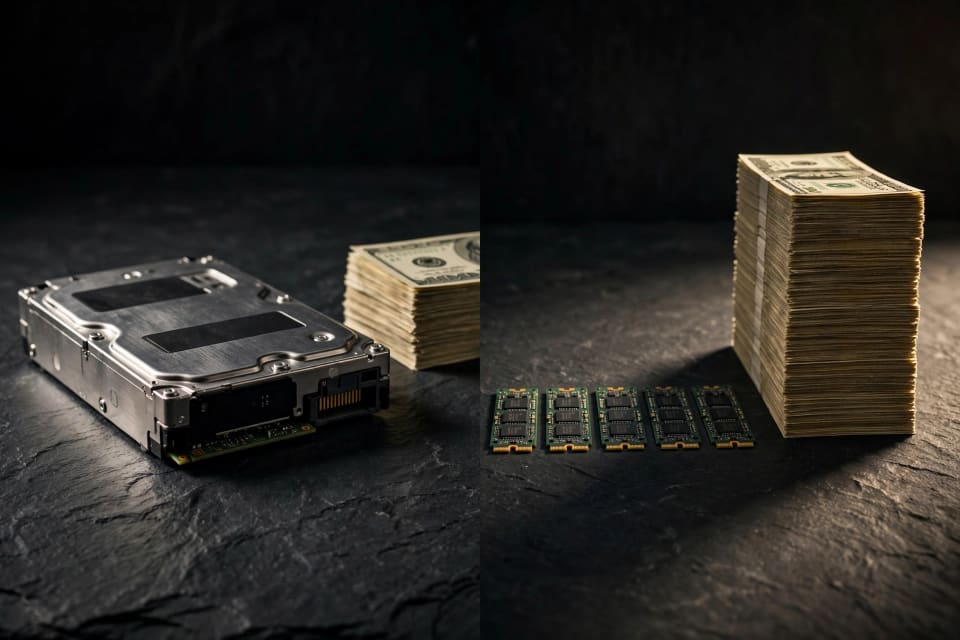
The chassis is inexpensive. The storage is not. Buy the 20TB bundle, which costs $3,759, and deduct the empty box, which costs $599. The SSDs are approximately priced at $3,160 or about 158 per terabyte (our calculations based on the sale prices on the store listing).
Hard drives exist in a new price range. Recent months saw new NAS and enterprise hard drives costing approximately 25-50 each terabyte, and NVMe SSDs priced approximately 100-200 each terabyte (Source: public storage price trackers, August to October 2026). The trackers do not agree and thus these are to be treated as ranges.
| Storage type | Typical price per TB | Cost for 20TB of drives |
|---|---|---|
| Hard drives (NAS or enterprise) | $25–$50 | $500–$1,000 |
| NVMe SSDs (market range) | $100–$200 | $2,000–$4,000 |
| Minisforum’s 20TB bundle (implied) | about $158 | about $3,160 |
With redundancy the math is different. A single-parity setup has five drives that give you four drives of usable space. A total of 4TB of SSDs provide approximately 16TB of usable capacity, and the capacity of one drive was used by protection.
You can cut the bill. Currently, smaller 2TB and 4TB SSDs tend to be cheaper per terabyte than 8TB versions ( Source: public storage price trackers). To assist in selecting hard drives, refer to our NAS-class vs enterprise drives.
Flash races on silence, lazy power and speed with small files. Hard drives are better in terms of capacity per dollar. An intelligent compromise is to store photos, documents, and active projects in the S5, and have a cheaper hard-drive box to store archives and backups.
Is an All-Flash NAS Worth It? Who Should Buy and Who Should Skip
It all depends on your usage of your storage. Here is an easy method of making a decision.
Buy It If
- You can edit photos or video on the network and run a 10-gigabit path.
- The box will be placed in a bedroom, office or living room where the noise of fans irritates you.
- You have a few Docker apps, such as photos, notes, or media, and need to be responsive.
- You broadcast at home. The AV1 is taken care of by the graphics hardware, and our tutorial on how to switch to Jellyfin from Plex demonstrates a well-built application to use.
- You have 20TB or less active data.
Skip It If
- You store movies or backups, and you require 40TB or higher and at a low cost.
- You wish to upgrade memory in future.
- You are going to transcode a large number of 4K streams simultaneously or execute local artificial intelligence models.
- You require software having a distinguished record.
- You wish to install hard drives in the box. There are no bays.
One Rule for Any NAS: Back It Up
Flash makes a NAS faster, not safer. Redundancy doesn’t protect against deletion, ransomware, theft, or fire. The ransomware guidance of CISA recommends having backups offline and encrypted ( Source CISA ). Our ransomware immune backup strategy demonstrates how we can do that in an afternoon.

Best Mini NAS for Homelab 2026: How the S5 Stacks Up
There is no box that is a winner of all jobs. Find the device that best fits your largest pain point.
| Option | Best for | Main trade-off |
|---|---|---|
| Silence, speed, active files | software | High price per terabyte, fixed memory, young software |
| Minisforum N5 Air (hard-drive bays) | Bulk storage on a budget | Bigger and louder; same software caveats |
| Established-brand 2–4 bay NAS (Synology, QNAP, Ugreen) | Polished apps, easy setup | Less hardware flexibility |
| DIY mini PC with Proxmox or TrueNAS | Maximum flexibility | More setup time and troubleshooting |
The N5 Air has five hard-drive bays and three M.2 slots (Source: Minisforum store listing). That is why it is the capacity-first sibling of this SSD-only model.
New to all this? Begin with the definition of a home server. It will guide you on whether you require a NAS, a mini PC or both.
Conclusion
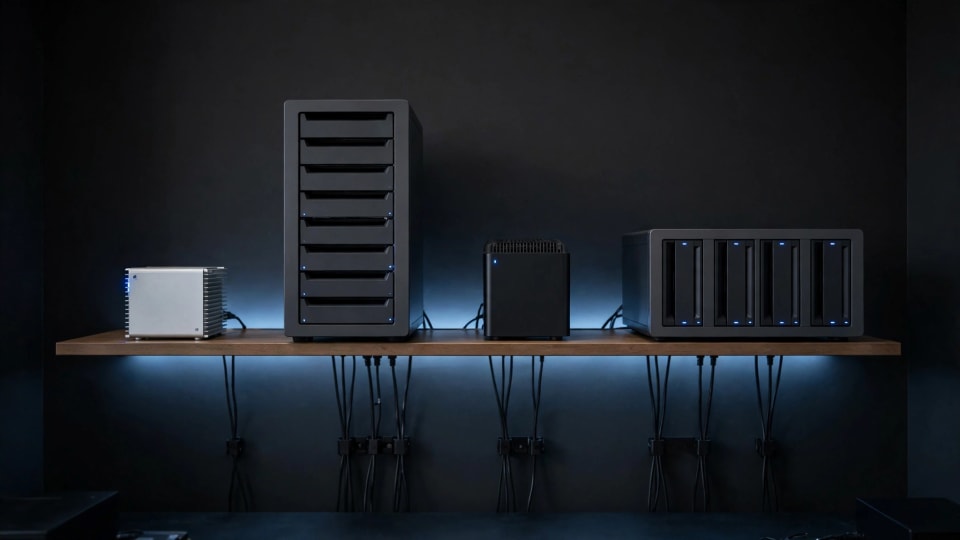
The S5 is a good choice of a quiet, fast, low power file server to store active data, and a bad choice of low cost bulk storage. The actual price is the flash you add, so do the math first and have a separate back up; the initial price of the flash is at $599 without drives. Thinking about the hard-drive direction? Next, compare our Synology DSM 7.3 drive guide with the classic NAS side to determine the comparison.
References
- Minisforum U.S. Store – S5 Product Listing & Specifications: Official U.S. retail page detailing pricing, hardware configurations, shipping estimates, and technical specs.
- Minisforum EU Store – S5 European Product Listing: Official retail page covering European pricing and regional availability.
- Minisforum – May 2026 Launch Event Press Release: Official corporate announcement detailing the collaboration with Intel and the new hardware lineup.
- Notebookcheck – Minisforum S5 Launch & Pricing Coverage: Technology news reporting and hardware analysis published on October 15, 2026.
- VideoCardz – Minisforum May Announcement Coverage: Hardware news coverage breaking down the initial reveal and official product listings.
- Wccftech – Minisforum S5 Processor Tier Analysis: In-depth technical analysis of the processor specifications and performance tiers.
- NAS Compares – Minisforum May Reveal Analysis: Expert hardware coverage discussing specific design choices, including soldered memory and the origins of the NAS software.
- LinuxLinks – Review of Minisforum’s NAS Software: Independent, third-party evaluation of the software ecosystem powering Minisforum's network-attached storage devices.
- Minisforum Store – N5 Air and N5 Pro Product Pages: Official specifications detailing drive bay counts and the "beta" status label of their NAS software ecosystem.
- Market Data & Storage Trackers: Hard drive price-per-terabyte data (August to October 2026) aggregated from public storage price trackers, including HDDHunt, MaxMyBuild, and Capital and Compute.
- Cybersecurity and Infrastructure Security Agency (CISA) – #StopRansomware Guidance: Official federal guidelines and best practices for preventing, mitigating, and recovering from ransomware attacks.