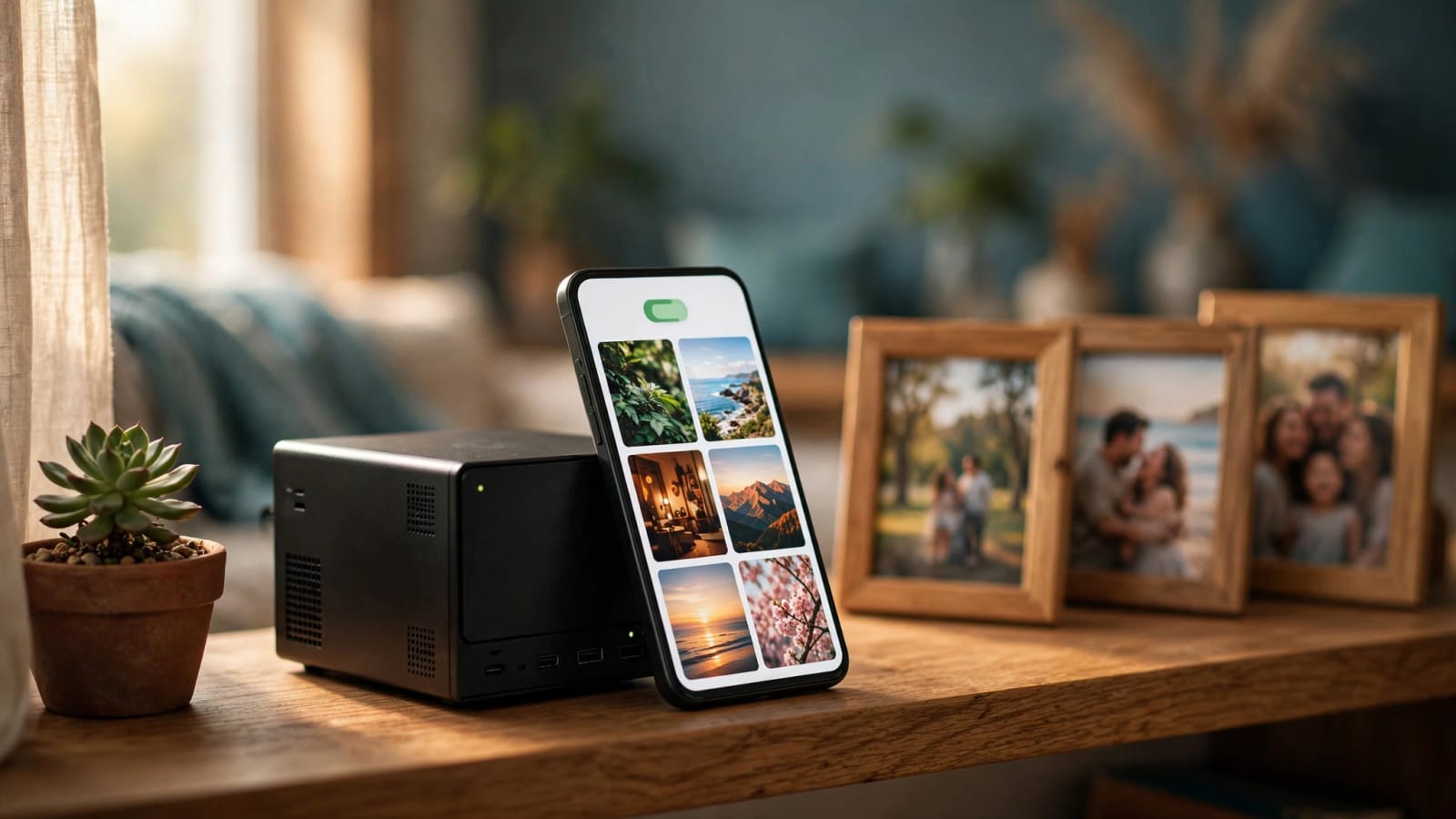
It is the warning all American parents are familiar with: "Storage Fulling up." Your phone is full of clips of the game, and the only solution is another monthly payment. The latest free home-server operating system, ZimaOS, has introduced an in-built photo app that stores your snapshots on a box in your own closet instead. This is what it launched, the price, the phone backup mechanism and how it compares with Immich.
Quick Answer: The photo application within ZimaOS 1.8 is an in-built gallery of your personal server, published on October 15, 2026. It supports your phone via the Zima Client app and includes a search that uses timeline, map and AI without uploading your photos to a cloud corporation. It is a first edition, and you should make it a promise and retain a second copy of all.
ZimaOS Photos Release Date, Price, and What You Need
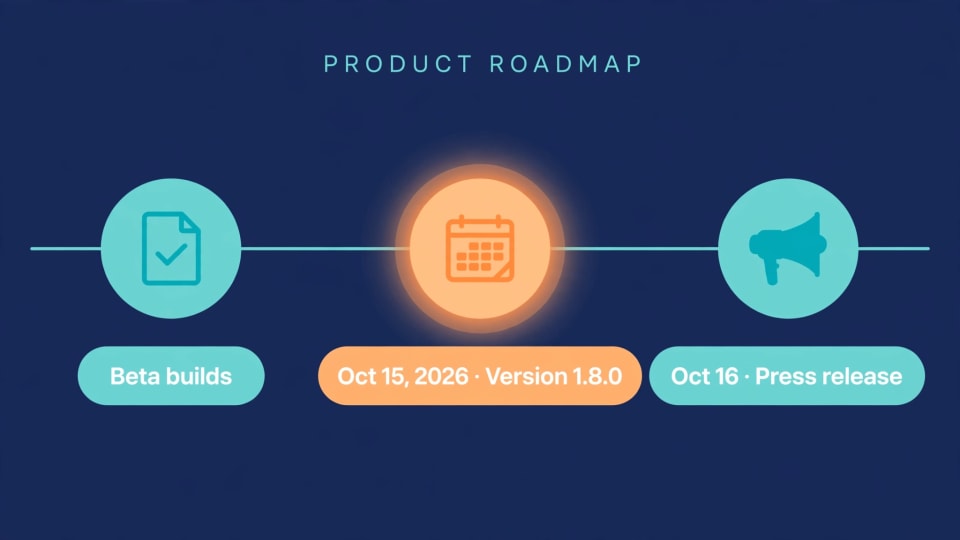
On October 15, 2026, IceWhale, the developer of Zima hardware and the ZimaOS operating system, released version 1.8.0 ( Source: GitHub release notes of IceWhale). An official press release was issued a day later ( Source: PR Newswire). Betas had been circulating several weeks prior to that.
Who Can Get It Today
Those who already have ZimaOS simply update to the new version. ZimaOS is installed by new users on a compatible x86-64 computer, or an official Zima device can be purchased (Source: PR Newswire). The photo app is integrated into the system, thus no individual container to locate or set up.
Should the term home server remain a fuzzy concept, begin with our plain-English introduction to what constitutes a home server. Need to shop hardware? Our examination of a small all-flash NAS indicates the current price of small, silent boxes. Make sure that the check is clear before purchasing.
What It Costs
ZimaOS is available under a free and a paid version known as ZimaOS+. The free version allows 4 disks and 3 accounts of members. ZimaOS+ is a one-time lifetime license priced at $29 and removes both restrictions ( Source: ZimaOS pricing page). The company assures that Plus will never be a subscription, and official Zima devices already have it.
To the majority of American families, the detail to observe is the 3-member cap. Should you wish to upgrade to a personal login, then it is likely that you will have the 29 upgrade in your future, should you have several adults and teens in the house. It is a one time expense rather than a monthly bill.
Hardware Reality Check
The launch notes do not post minimum requirements of the AI search features. When you first boot a mini PC that is older or a low-power board, boot a small folder and test it before you point it at two decades of family photos. It is good to know drives that are built in such a way that they can be used always-on when you go out to buy disks.
ZimaOS 1.8 New Features: What Else Changed
The update goes beyond pictures, the photo app is the top-billed one. The following is the brief of the community forum changelog (Source: IceWhale Community Forum).
| Area | What changed | Why it matters |
|---|---|---|
| Gallery | Photo sources, one timeline for photos and videos, albums, Favorites, Recently Viewed | Everything lives in one place |
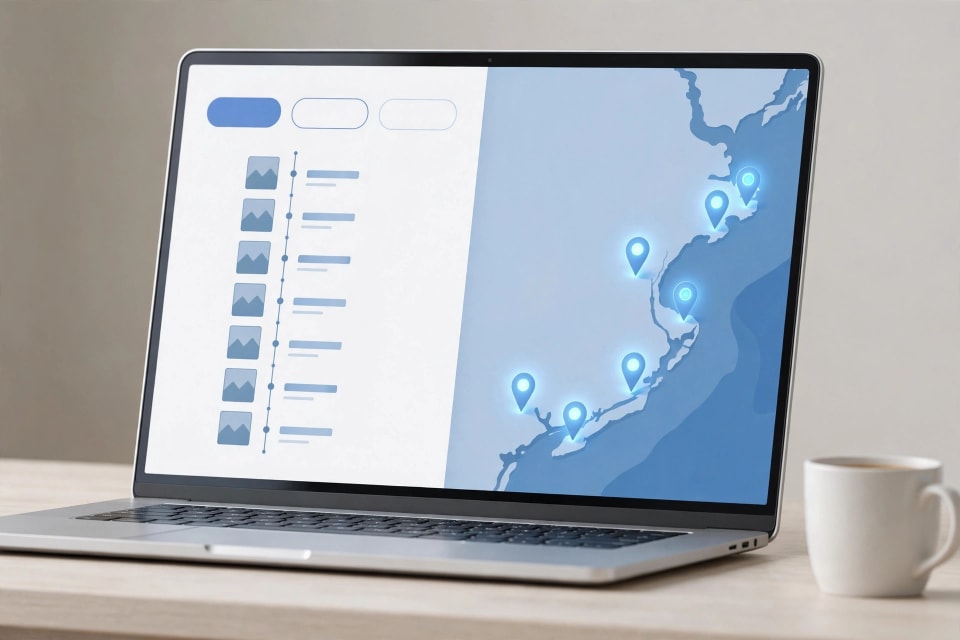
| Search | Find shots by plain-English description, text inside images, or visual content | “Beach, 2023” works without digging through folders |
| Map and Memories | Browse by country, city, and location; automatic “On This Day” and travel collections | Old trips resurface on their own |
| Formats | Live Photos, RAW files, and 360° panoramas open without conversion | No extra apps needed |
| Hardware | Fan control policies, touchscreen and GPIO support on select Intel platforms, AMD CPU temperature display | Handy for tinkerers and small builds |
| Reliability | Better Docker app handling, RAID repair fixes, Btrfs write tuning | Steadier day-to-day running |
There are three details that should be paid closer attention to:
- Search is executed on your own hardware. According to the product page, local AI takes care of search and leaves sensitive-looking images blurred, meaning that analysis occurs on your server (Source: ZimaSpace product page).
- All popular formats are opened. The information about camera, lens, ISO, aperture is always tied to a shot, thus the story behind a picture is not lost.
- Cleaner housekeeping. You can now opt to keep or delete the data when you uninstall an app.
Such open platforms are a broader move towards not having locked-down hardware. To a similar effect, see how Synology relaxed its drive rules in DSM 7.3.
Zima Client Automatic Photo Backup: How It Works
The phone aspect of the system is an application named Zima Client. Once turned on, it will duplicate what is in your current camera roll and all fresh shots directly to your server (Source: IceWhale Community forum). There is no monthly storage level.

It is a bit less fiddly than older self-hosted tools with a few details:
- It does not have to be restarted. When your phone loses Wi-Fi connection during a data upload, the upload will resume when connected again.
- You receive real-time updates. On the iPhone 14 Pro and later, the Dynamic Island displays the backup status. According to the vendor, there are additional devices coming ( Source: ZimaSpace product page).
- Away-from-home access works. Quick connections enable you to open full-resolution originals wherever you are and upload pictures with your friends (Source: PR Newswire). ZimaOS claims that remote access is encrypted peer-to-peer connection with no port open to the internet (Default: ZimaOS pricing page).
In case you want to connect to your server via a privately-run tunnel, we have compared and contrasted three well-known mesh VPN tools.
One of the initial mentions: one of the users of the forums states that the interface of the app is currently available in only English and Chinese ( Source: IceWhale Community Forum). In case your family speaks a different language, come back after some updates.
How to Back Up Phone Photos to a Home Server
The following is the easy way with ZimaOS. The actions are brief, but the final one is the most important.
- Start the server. Installation of a new version 1.8.0 onto an existing system, or installation of ZimaOS on compatible x86-64 hardware.
- Choose the sources of your photos. Aim the gallery in a folder and it scans it all ( Source: ZimaSpace product page). One of the initial testers aimed it at the folder of a currently existing Immich installation and wasn't able to report a problem (Source: IceWhale Community Forum).
- Install Zima Client in your phone. Open it and get connected to your server.
- Turn on backup. It is a single tap switch. Allow the initial pass to complete under Wi-Fi as the phone is charging, as a large camera roll can take hours.
- Check the results. Open the timeline, ensure that the today shots are present and spot-check a video.
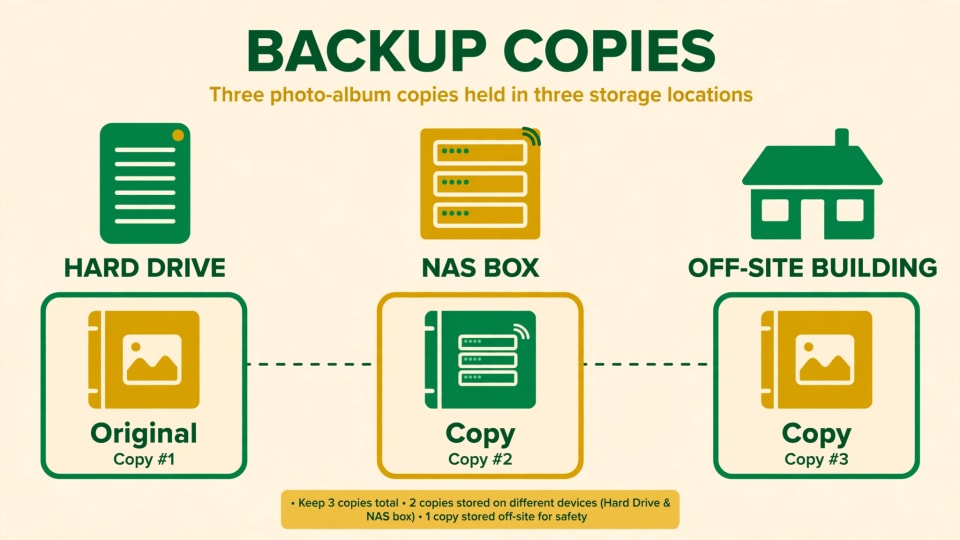
- Add a second copy. RAID will save you when a disk fails, not files being deleted or ransomware. The federal cyber guidance provided by CISA refers to the 3-2-1 concept: three copies, on two types of storage, with one offsite ( Source: CISA data backup guidance ). It is a ransomware-resistant backup plan that we have been taken through.
Already have years of pictures in iCloud? One of the employees of ZimaOS told you that it is possible to mount iCloud in the Files app and make the mounted folder a source. Importing of Google Photos will be released in the future (Source: IceWhale Community Forum).
ZimaOS Photos vs Immich: Which Should You Pick?

The most famous open-source one is Immich. It is open-source (license AGPL-3.0) and can be started as multiple services (the main server, a machine-learning service, and a database) using Docker Compose ( Source: Immich GitHub README). Its project page itself gives a warning that it develops rapidly and advises users to never use it as their sole copy.
| Factor | Zima’s built-in app | Immich |
|---|---|---|
| Setup | Built into ZimaOS; point it at a folder | Docker Compose with several services |
| Cost | Included with ZimaOS (free edition or $29 Plus) | Free |
| Phone backup | Zima Client, one-tap, resumes automatically | Mobile app, backs up when the app is opened |
| Search | Natural language, text in images, visual content | Smart search and facial recognition |
| Maturity | Brand new (version 1.8.0, October 2026) | Years of community use and quick updates |
| Known gaps | No Google Photos import yet; can’t be uninstalled yet; limited interface languages | Steeper setup; occasional breaking changes |
| Best for | Beginners who want it to just work | Users who want the deepest feature set |
Initial posts in the forums indicate regular first-release bumps: an error in the iCloud sign-in, and inquiries on the possibility of secure album sharing and subfolders ( Source: IceWhale Community Forum ). Employees indicated that the photo app will be removed in a future update.
The good thing is that you do not need to make a choice on the first day. Immich supports any Docker host, and ZimaOS users have noted hosting it with other applications (Source: ZimaOS pricing page). Test on a test folder and compare.
Best Self-Hosted Photo Library 2026: Who Should Choose What
It has no winner, as the correct choice varies according to what you feel comfortable with.
- Beginner, would prefer it built in: Begin with the gallery of ZimaOS on ZimaOS.
- Prefers the most functionality and an established phone application: Select Immich and follow a set-up guide.
- Photographer, has a folder-based archive: Consider a folder-first device like PhotoPrism.
Already included in a Synology box: Its own photo app can be the simplest way.
- There are three rules to each decision:
- Test using a copy of your pictures, not your original ones.
- Check against the release notes any must-have feature (face grouping, secure sharing links) before migrating.
Always have a second back up.
References
- IceWhale Technology: ZimaOS 1.8.0 release notes, GitHub (IceWhaleTech/ZimaOS), October 15, 2026. https://github.com/IceWhaleTech/ZimaOS/releases
- IceWhale Community Forum: “ZimaOS v1.8.0 Released” announcement, changelog, and staff replies, October 15–17, 2026. https://community.zimaspace.com/t/zimaos-v1-8-0-released-a-native-photos-experience-life-in-full-view/9498
- PR Newswire: IceWhale Technology launch press release for ZimaOS 1.8, October 16, 2026. https://www.prnewswire.com/news-releases/introducing-zimaos-1-8-bringing-a-design-led-self-hosted-photo-library-302909853.html
- ZimaSpace: ZimaOS pricing page (free edition limits, $29 ZimaOS+ lifetime license, remote access FAQ). https://www.zimaspace.com/zimaos/pricing
- ZimaSpace: ZimaOS Photos product page (local AI search, Dynamic Island progress on iPhone 14 Pro and later). https://www.zimaspace.com/zimaos/photos
- Immich project: official site, documentation, and GitHub README (AGPL-3.0 license, Docker Compose services, active-development warning). https://immich.app/
- Cybersecurity and Infrastructure Security Agency (CISA): data backup guidance (3-2-1 approach). https://www.cisa.gov/
Conclusion
The new photo application that comes with ZimaOS makes self-hosting look more like a weekend project than a switch-flipping exercise. It is young, and you should have a second copy and check with a small folder, first. To compare with the most mature option, also read our Immich home server setup guide. Test them both over a weekend on the same box and have your own pictures choose the one to keep.