Sovereign Computing Hub

Host Your Own Cloud and Reclaim Your Digital Privacy without the big tech monthly fees

Step-by-step, jargon-free guides designed for everyday homeowners and privacy-conscious beginners to set up secure home servers, personal cloud storage, and self-hosted apps.

Latest Guides & Tutorials

23 Articles
★ Featured Guide
October 19, 2026•9 min read

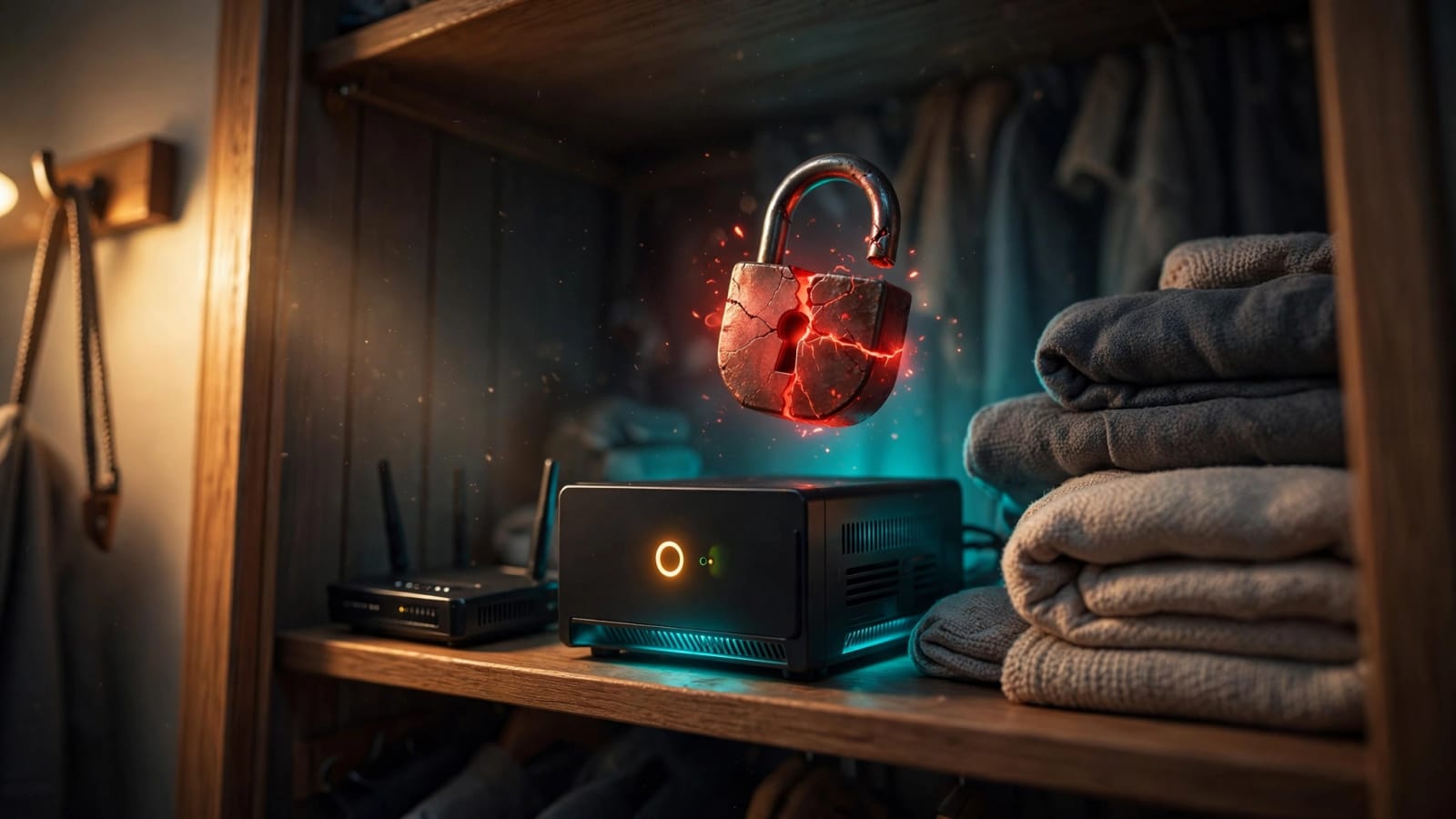
Plex Media Server Hacked: Update Yours Now

A public attack recipe now lets strangers take over outdated Plex servers without a password, and one test server was hijacked within a day. This guide shows which version fixes it, how to update by hand, and the warning signs to look for on your own server. You’ll also learn when to turn off remote access and whether Jellyfin is a safer home.

Carl McGregor
Carl McGregor
Read Guide
October 17, 2026•10 min read

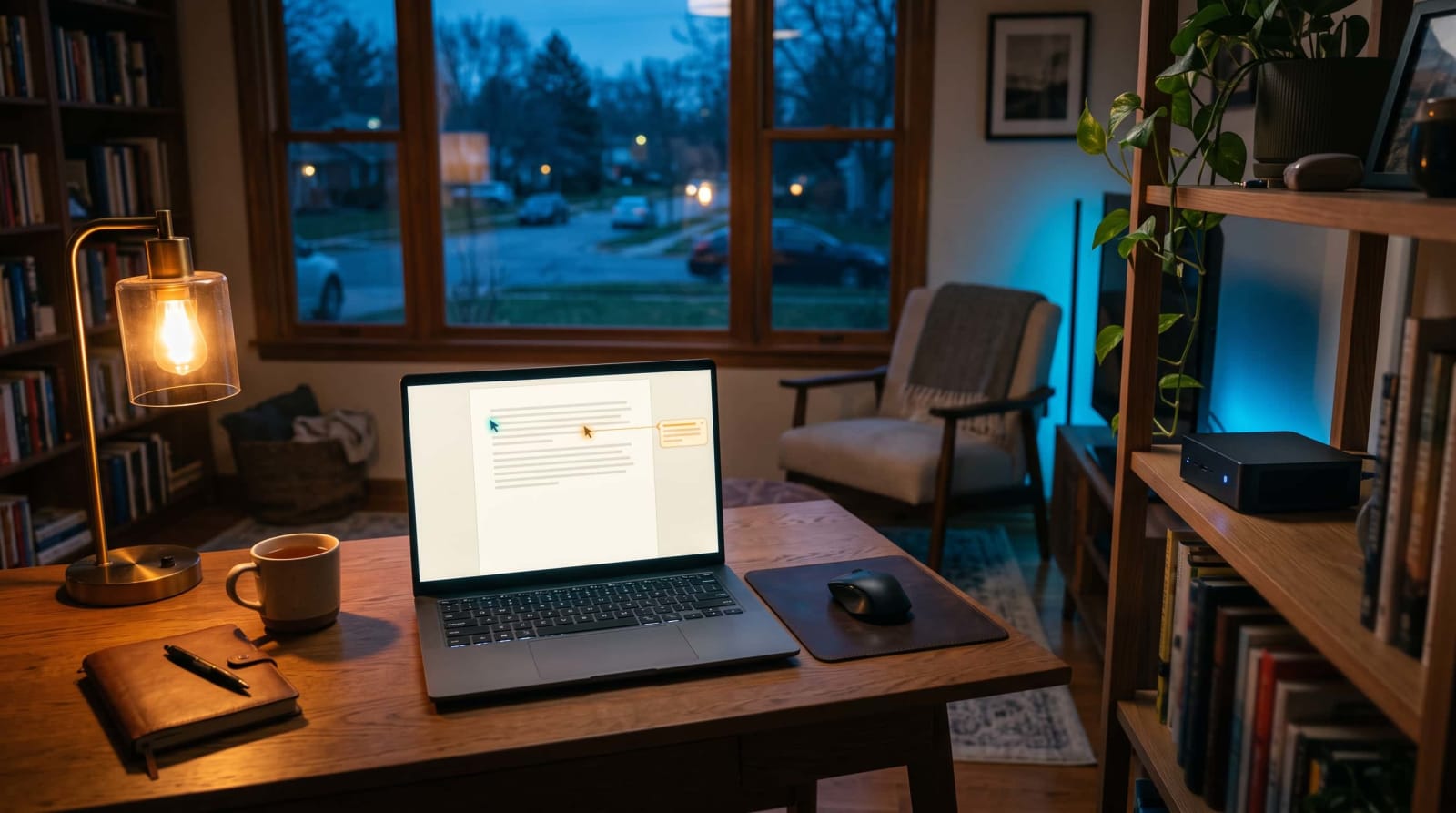
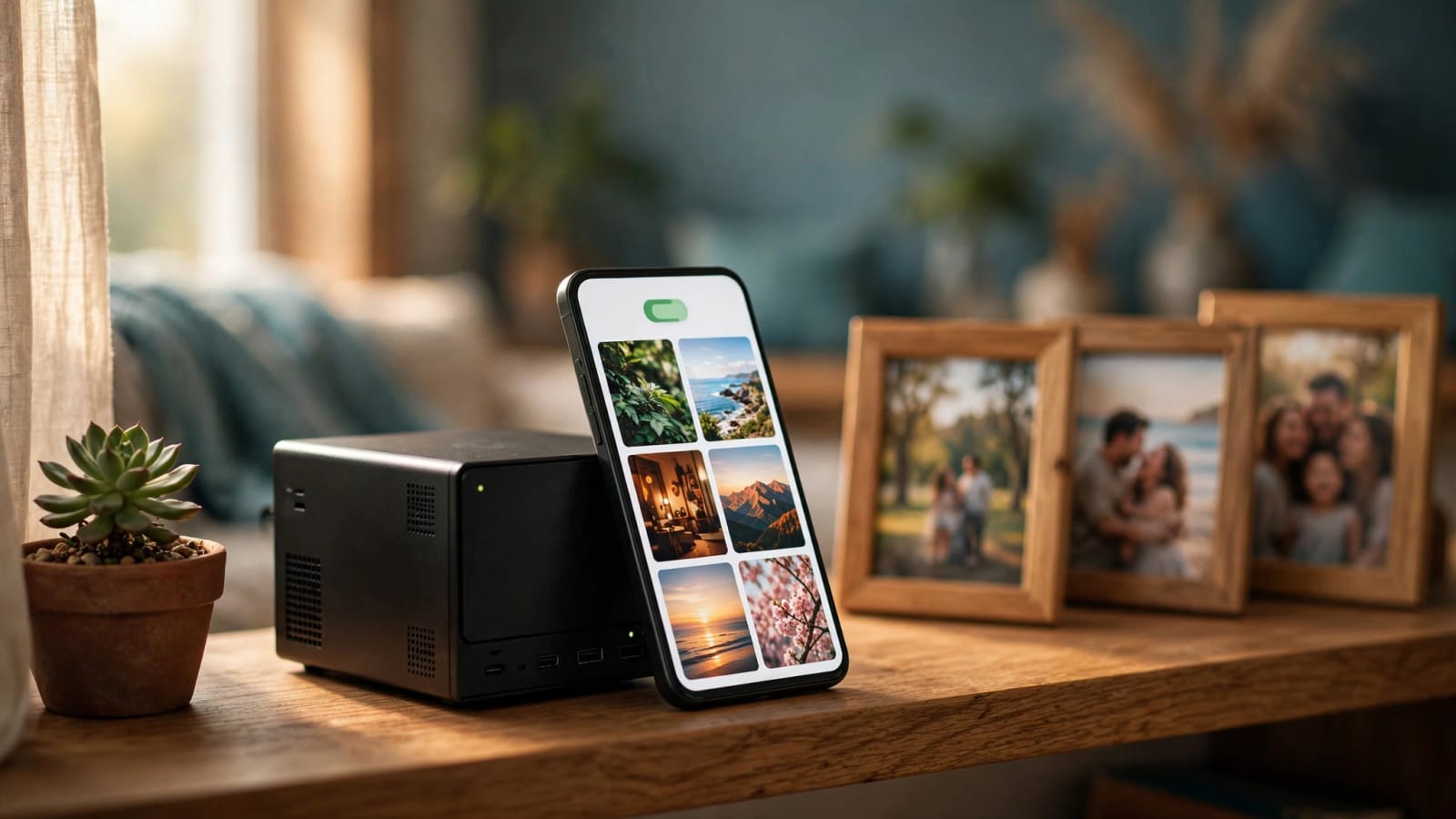
ZimaOS Photos: A New Self-Hosted Google Photos Rival

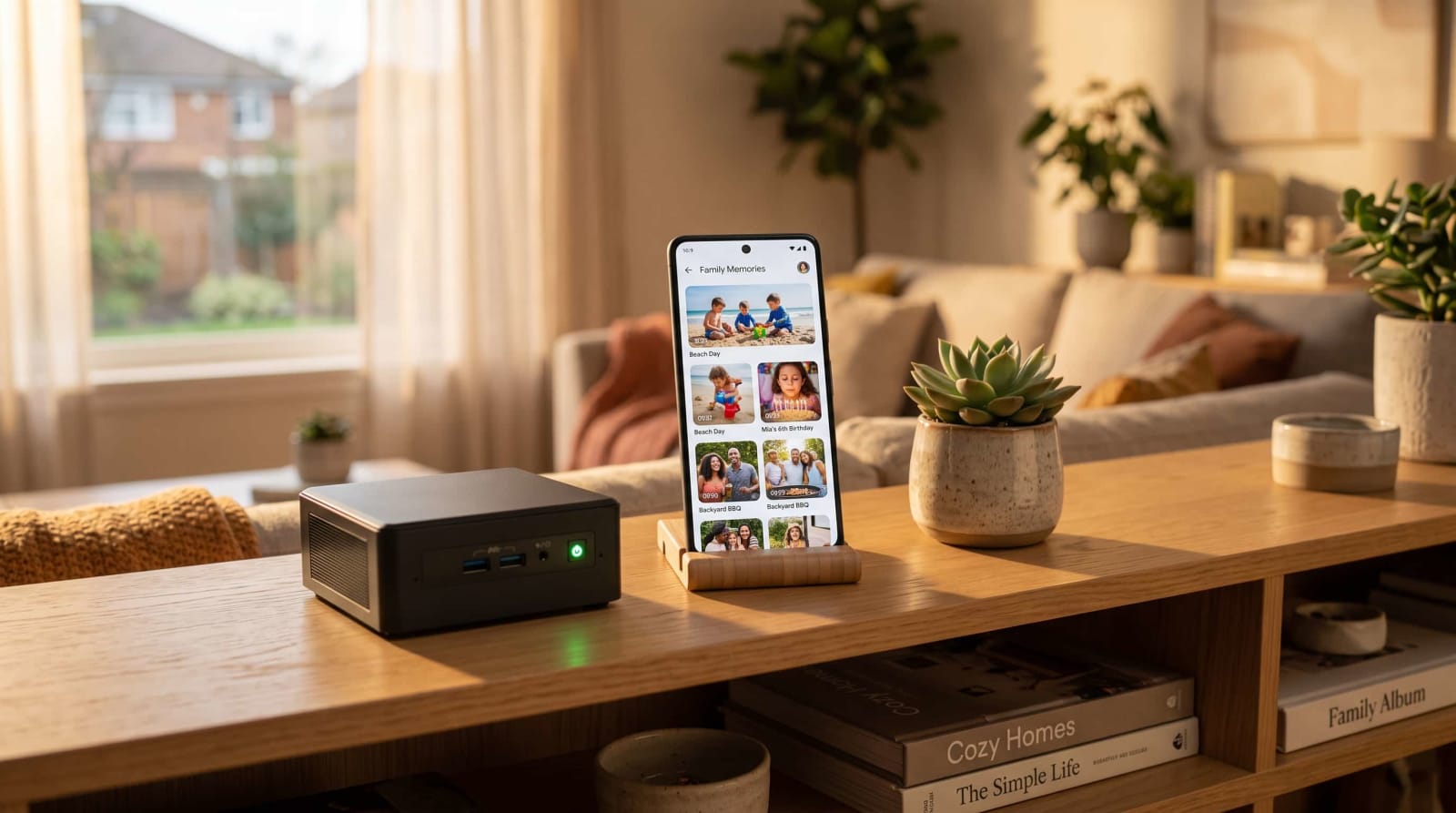
Your phone’s “storage full” alert doesn’t have to mean another monthly bill. ZimaOS 1.8 adds a built-in photo gallery with phone backup, AI search, and map views, all stored on your own hardware. Here’s what launched, what it costs, how setup works, and how it compares with Immich.

By Carl McGregorRead
October 15, 2026•10 min read

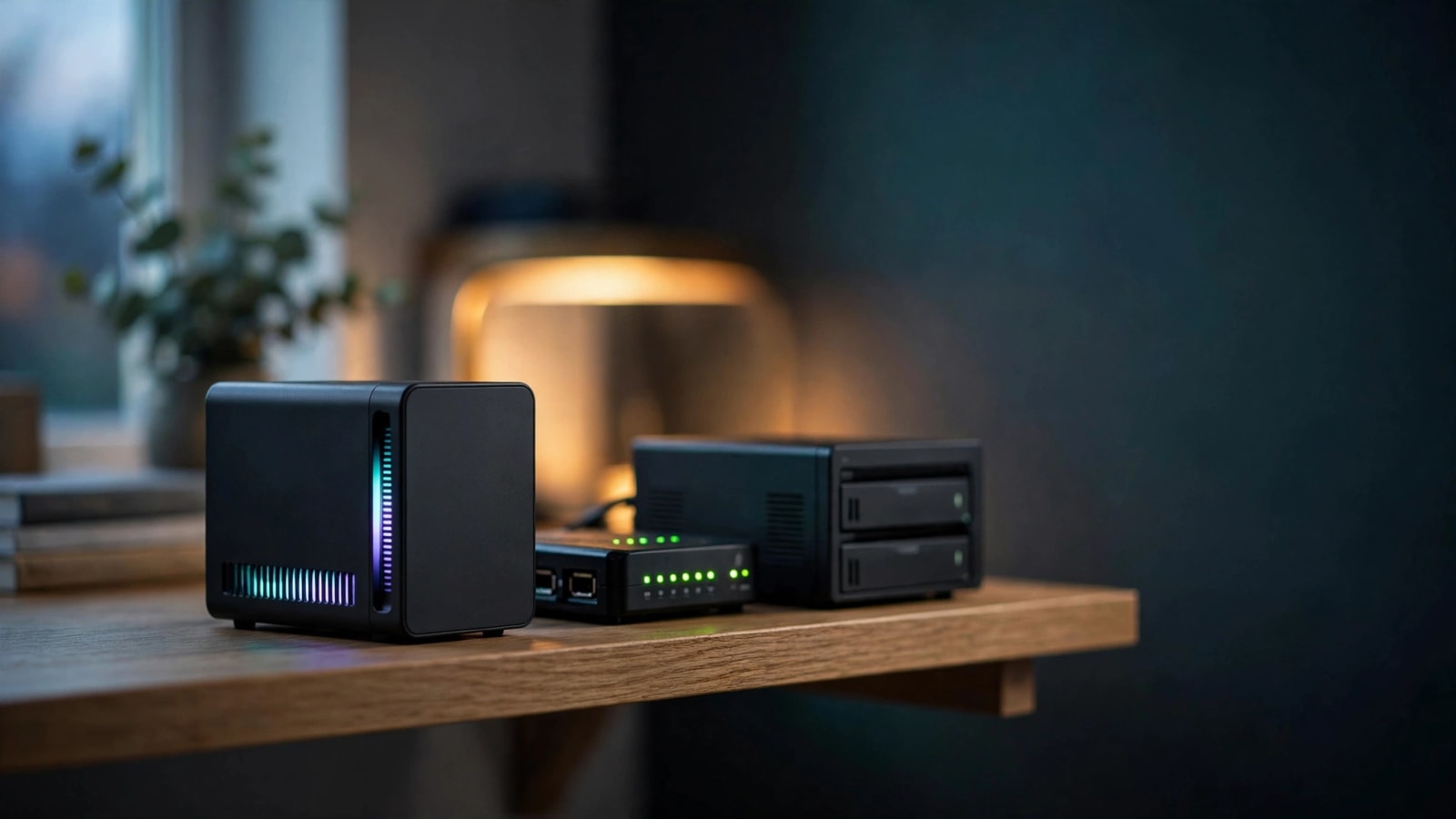
Minisforum S5 NAS: Is This $599 Silent Box Worth It?

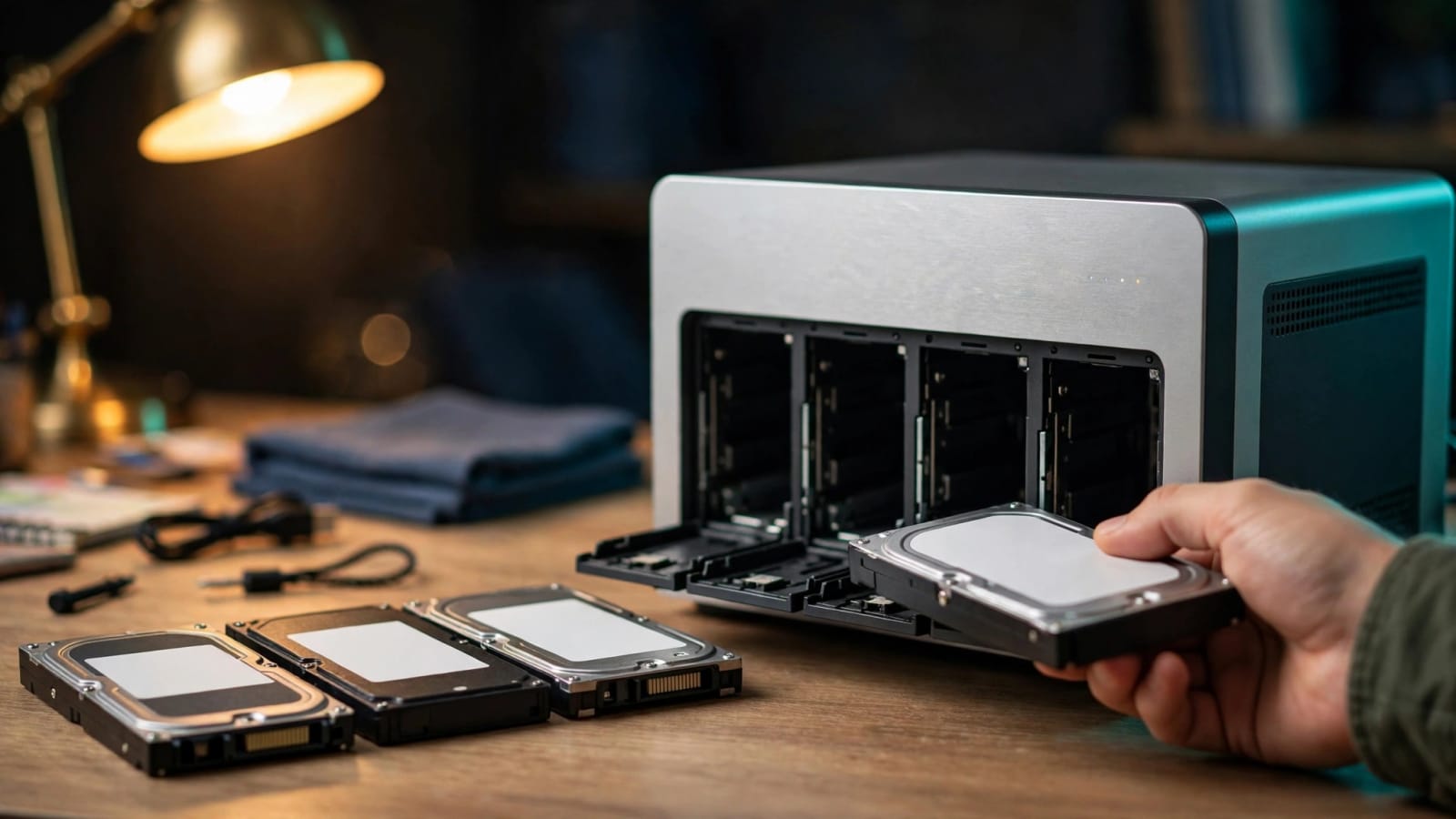
Minisforum’s new fanless SSD box is on sale for $599, but the drives cost extra. We break down the specs, the real price per terabyte, and the software risks. Find out if silent flash storage fits your home lab, or if hard drives still win.

By Carl McGregorRead
October 14, 2026•9 min read

Synology DSM 7.3 Third Party Drives: Finally Allowed

A year after DSM 7.3 lifted Synology’s drive lockout, 2025 Plus, Value, and J Series owners can finally shop by price and brand. Here’s what now works, what’s still limited, and how to avoid a costly mistake. Learn what to check before you buy your next NAS drives.

By Carl McGregorRead
October 13, 2026•10 min read

Apple HomeView vs Home Assistant: Your Server Wins

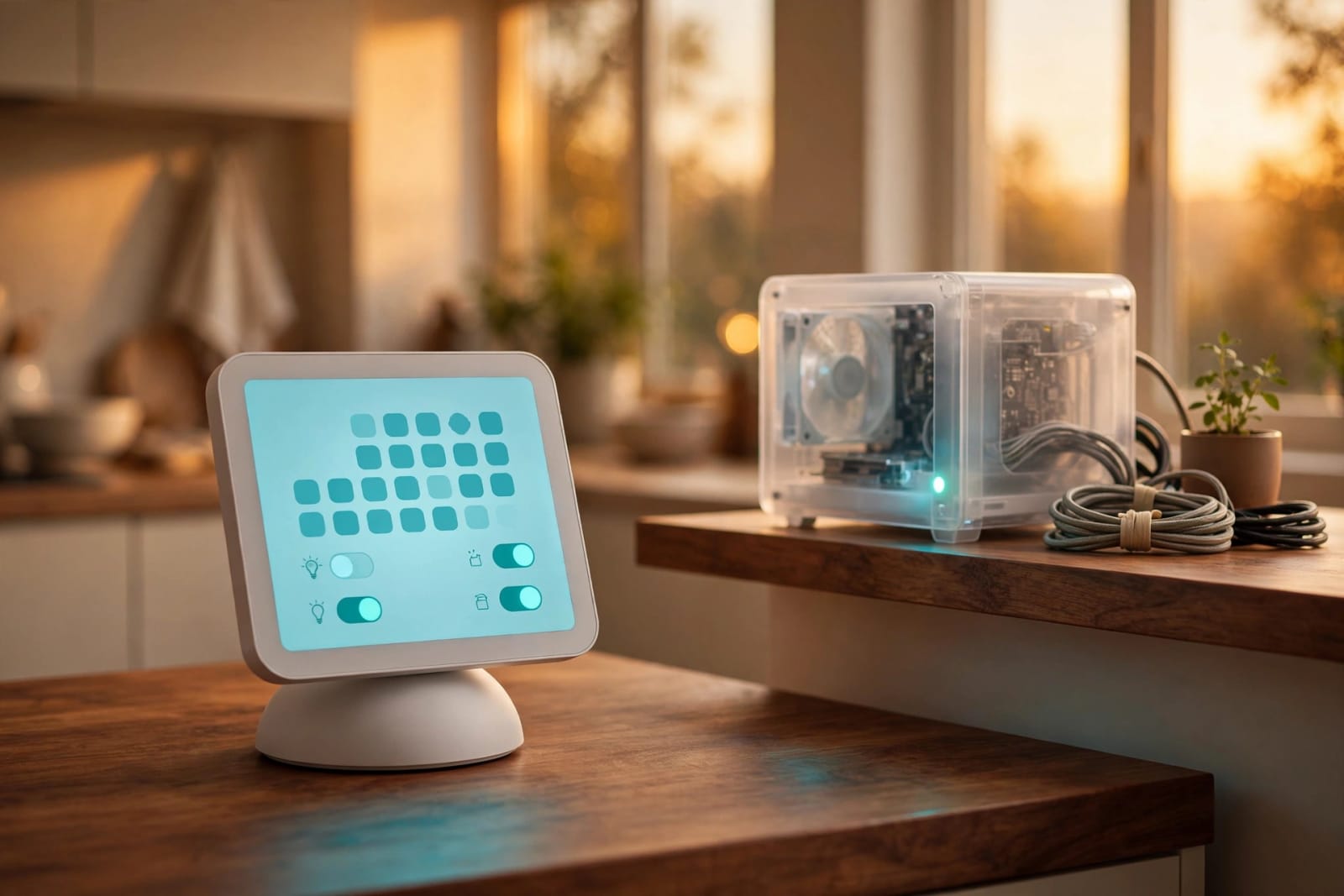
Apple's $299 HomeView lands November 13 with a smarter Siri and a 7-inch screen. Your own home server can run more brands, cost less to start, and keep your data under your roof. Here is who should buy which, and how to build the brain for your house this weekend.

By Carl McGregorRead
October 6, 2026•10 min read

Immich Home Server Setup: Replace Google Photos

Tired of paying $120 a year just to keep your family photos online? Learn how to turn a small home server into a private, Google Photos-style library using Immich. You'll get step-by-step install instructions, automatic phone backups, and face grouping, all without a monthly bill.

By Carl McGregorRead
October 6, 2026•10 min read

Nextcloud Write: Ditch Google Docs for Free

Tired of keeping your family's documents in an account you don't control? Nextcloud's open source editor gives you live co-editing, comments, and Word file support on a server you own. Here's how it works, how it compares with ONLYOFFICE, and how to switch it on at home.

By Carl McGregorRead
October 5, 2026•10 min read

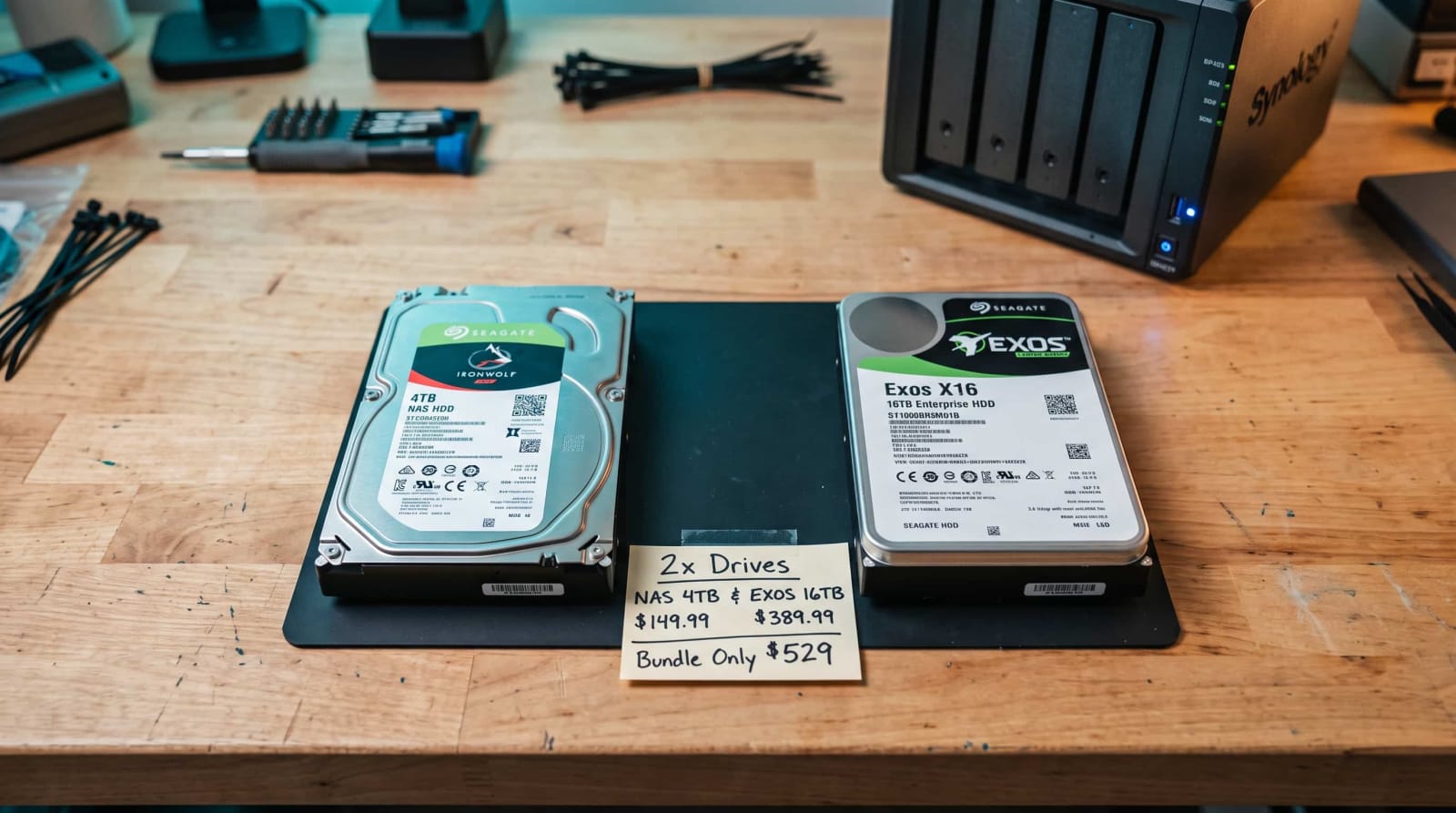
NAS Drive vs Enterprise Drive: Why Prices Doubled

Hard drive prices have roughly doubled in a year, and the old advice to just buy the NAS-labeled drive no longer holds up. We break down recording technology, error-recovery settings, warranties, and real dollars per terabyte so you can pick the smartest drive for your budget. You'll also learn when a renewed drive is a good deal and when it's a gamble.

By Carl McGregorRead
October 5, 2026•10 min read

Mesh VPN Control Plane Outage: What Really Happens

Your private network's coordinator can go dark and, at first, you may not notice a thing. Find out what keeps running, what quietly breaks, and when devices start losing access. Then use our 7-step checklist to outage-proof your home network before the next surprise.

By Carl McGregorRead
October 4, 2026•10 min read

RTX 5090 Mini PC: Is This Tiny Box Worth It?

A tiny PC with a flagship Nvidia graphics chip is finally real, and FEVM's two new models fit it into a 2.6-liter case. We break down the memory, the two versions, and which AI models actually fit in 24GB. Plus the real costs, power draw, and import headaches to know about before you spend a dime.

By Carl McGregorRead

Why Run a Home Server in an Era of Big Tech Clouds?

Every month, millions of households hand over $3, $10, or $30 per user for cloud storage across Apple iCloud, Google One, OneDrive, and Dropbox. Beyond the perpetual monthly bill, there is a quieter, more concerning cost: you do not truly control the files you store. Algorithms scan your family photos for content moderation, terms of service change without notice, and your data lives on computers you will never see.

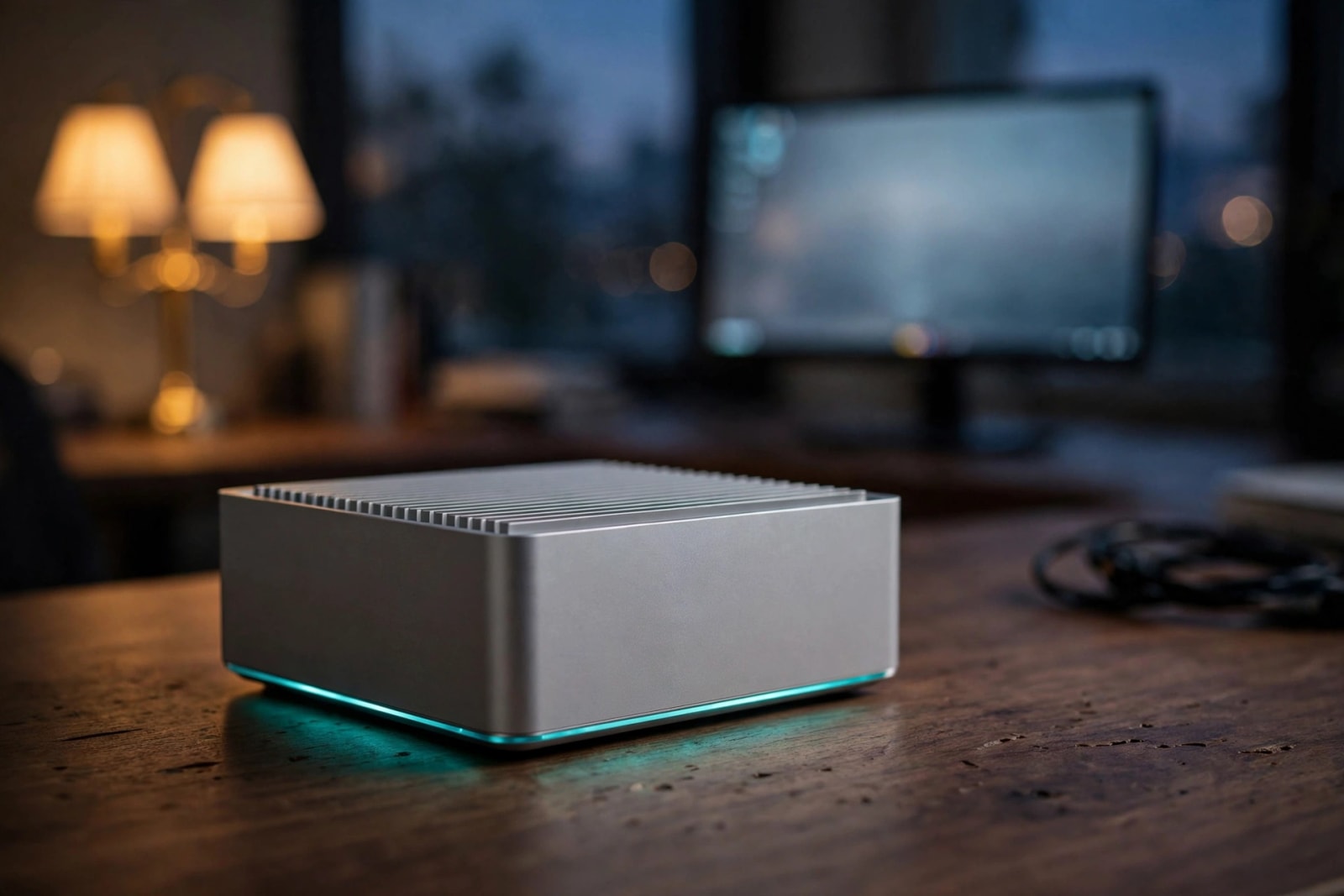
At HomeLabPulse, we advocate for personal cloud sovereignty. Modern home servers no longer require enterprise racks or loud server closets. A compact mini PC or an entry-level NAS tucked neatly into your living room or home office uses less electricity than an LED lightbulb, runs quietly 24/7, and puts your personal photos, documents, and media safely under your own roof.

What You Can Host at Home Today

With easy-to-use modern software like CasaOS, TrueNAS, and Docker, self-hosting has never been more approachable. You can effortlessly run:

  • Immich: A lightning-fast, self-hosted alternative to Google Photos with facial recognition and mobile phone auto-backup.
  • Nextcloud: A full-fledged Google Drive and Dropbox replacement with file sync, calendar, and contacts.
  • Jellyfin: A 100% free, private media streaming server that frees your movies and music from subscription streaming apps.
  • Vaultwarden: A secure, self-hosted Bitwarden password vault keeping all your master passwords encrypted strictly on your hardware.
Why HomeLabPulse

Built on Three Core Self-Hosting Pillars

We believe anyone can host their own services safely. No computer science degree required—just practical, reliable setups that keep your memories and files completely yours.

01

Zero Monthly Subscriptions

Stop paying recurring storage fees for Google Photos, iCloud, and Dropbox. Keep terabytes of family memories under your own roof for a one-time hardware investment.

02

Uncompromised Digital Privacy

Big tech platforms scan your files, train models on your documents, and change their terms whenever they want. Your home server keeps your personal life strictly personal.

03

Battle-Tested Safety First

Every tutorial prioritizes encrypted backups, secure local networking (WireGuard/Tailscale), and automatic updates so your data stays resilient and protected.

Ready to take the first step toward self-reliance?

Read the Beginner Setup Guide