
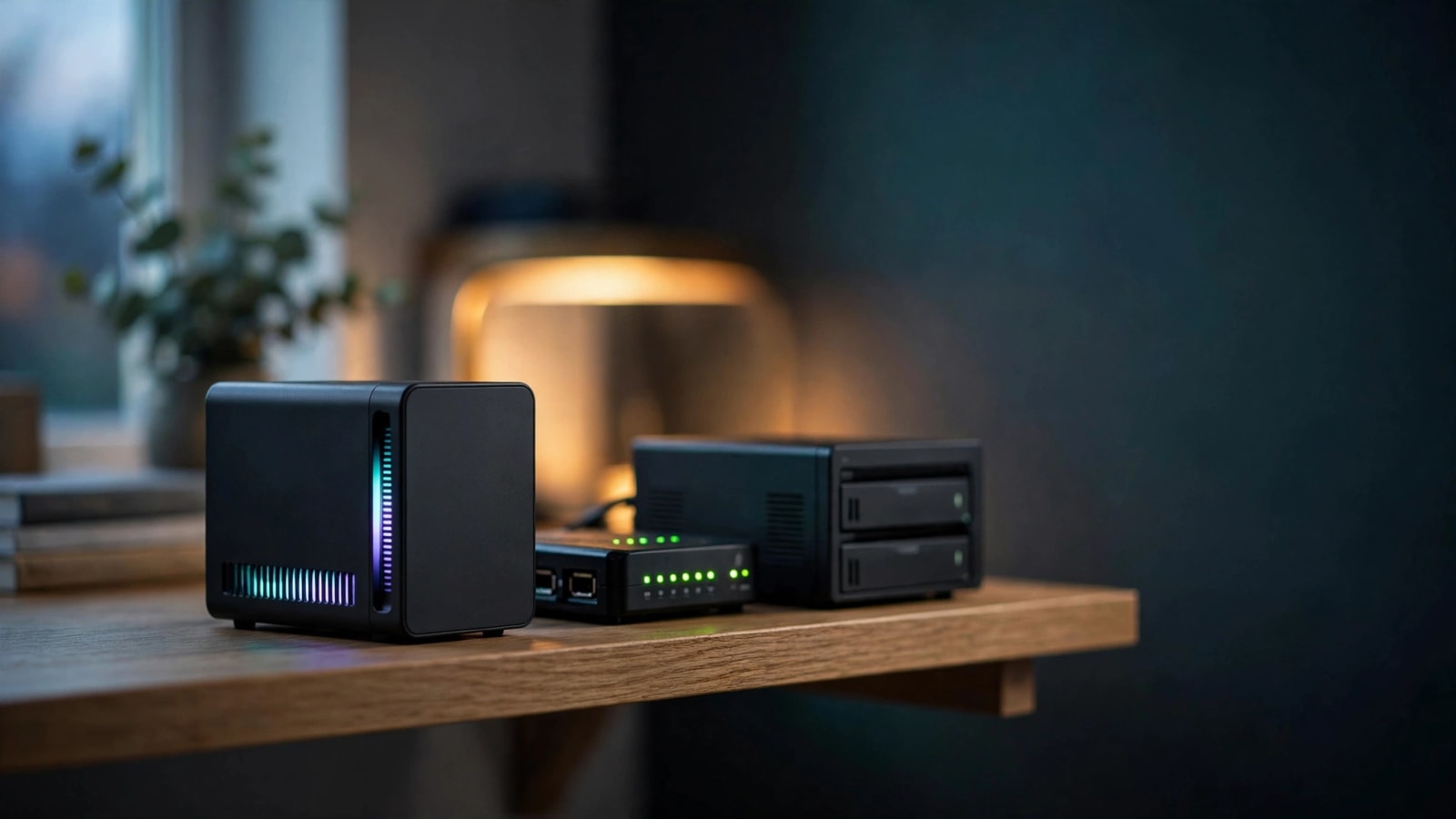
It is an October Sunday and your garage rack is humming, and your electric bill just snuck up once again. You desire a chatbot made with AI that exists on your own hardware, yet a tower of computer with a huge graphics card seems excessive. Suppose the entire affair was in less than a shoebox? This guide provides a preview of what the small box provides, its price, and its place in your home laboratory.
Quick Answer: Yes, the FN80G and FA80G of FEVM can squeeze a 24GB version of a mobile RTX 5090 and desktop processor into a 2.6-liter case. The memory supports 32B-class AI models and not 70B models. By early October 2026, both are listed as China-only (Source: Notebookcheck).
What Is an RTX 5090 Mini PC, Really?
Imagine a graphics chip inside a small desktop in a laptop. That's the idea. Chinese manufacturer of small computers FEVM released two models at the beginning of September 2026, the FN80G (powered by an Intel processor) and the FA80G (powered by an AMD processor) (Source: Notebookcheck).
Each box measures 180 × 168 × 88 mm, or about 7.1 × 6.6 × 3.5 inches. This translates to about 2.6 liters or about 0.7 gallons (Source: Mobidevices, VideoCardz). An average gaming tower is even larger by many folds.
The twist is the processor. You receive a desktop CPU, instead of a soldered laptop chip, unlike most tiny PCs. It translates to having more raw power and theoretically an upgrade route in the future.
The following are the contents of each box:
- Graphics options: RTX 5060, RTX 5060 Ti 16GB (a desktop chip), RTX 5080 (16GB), or RTX 5090 (24GB) (Source: VideoCardz)
- Processors: Intel core ultra 200S in the desktop chips of the FN80G, and AMD Ryzen 7 or Ryzen 9 desktop chips in the FA80G.
- Memory: two SO-DIMM slots with up to 128GB of DDR5.
- Storage: 2 M.2 NVMe slots, and a small wireless card slot.
- Ports: HDMI 2.1, HDMI 2.0, two DisplayPort 2.0, USB-C, USB-A, SD card reader.
Who is it for? Individuals interested in a small, shelf-sized computer capable of running AI models, games, and acting as a home server. Should the concept be new to you, read our plain-English tutorial to the home server first, and then return.
RTX 5090 Laptop GPU Specs, Explained in Plain English
This is where shoppers are caught. These boxes contain the mobile flagship of Nvidia, rather than its giant desktop card of the same name. They are all of the same number, not of the same design.
| Feature | Mobile chip (inside the FEVM boxes) | Desktop card |
|---|---|---|
| Video memory | 24GB GDDR7 | 32GB GDDR7 |
| CUDA cores | 10,496 | 21,760 |
| Memory bandwidth | 896 GB/s | 1,792 GB/s |
| Power budget | Up to 150W | 575W |
(Source: NVIDIA, Runpod, the power limit of FEVM)
The moral of the story is easy. You get about half the cores and half the memory speed of the desktop card. The amount of memory determines the maximum AI models that will load at all, making 24GB the headline figure with home labs.
Nvidia claims speeds in the mobile chip of 1,824 AI TOPS with its more recent low-precision math (Source: NVIDIA). It shares the same GB203 chip family as the desktop RTX 5080, only with lower clock speeds, and a reduced power limit (Source: Notebookcheck).
There is also a difference in mobile chips depending on the machine, as can be configured to a minimum of 95W up to 150W (Source: Toms Hardware). FEVM claims that its boxes have the highest possible power of 150W ( Source: VideoCardz).
FEVM FN80G vs FA80G: Which One Should You Pick?
The two boxes have the same shell, the same top graphics choice, and joint 250-watt power restriction (Source: VideoCardz). The actual dissimilarities are the ports and the processor.
| Feature | FN80G (Intel) | FA80G (AMD) |
|---|---|---|
| Top processor | Core Ultra 7 270K Plus | Ryzen 9 9950X3D |
| CPU power limit | Up to 100W | Up to 90W |
| GPU power limit | Up to 150W | Up to 150W |
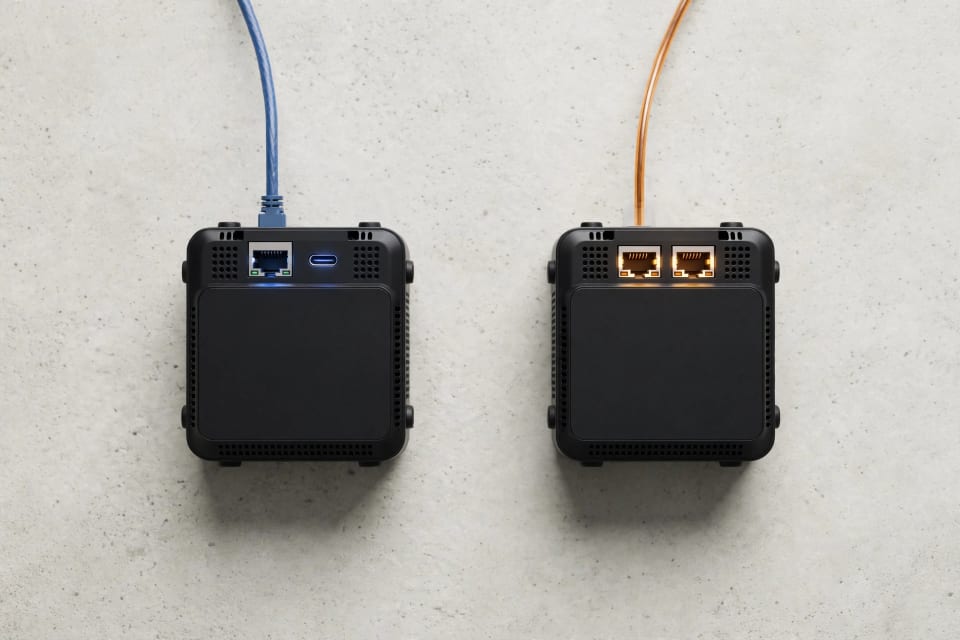
| Wired networking | 10GbE plus 2.5GbE | Dual 2.5GbE |
| Thunderbolt 4 | Yes | Not listed |
| Memory and storage | Up to 128GB DDR5, two NVMe slots | Same |
| Top barebone price | About $2,980 | About $3,308 |
It has the potential to become the world's biggest online retailer.<|human|>It can be the largest online retailer in the world.
Pick the FN80G if you care about networking
Laboratory homes are made or broken with speed of the network. The FN80G also includes a 10GbE port, which transfers big model files and backups across your network in a significantly shorter time than regular gigabit. It also features Thunderbolt 4 that is convenient in external drives that are fast (Source: XiaomiToday, Fudzilla).
Pick the FA80G if you care about gaming
The X3D chips developed by AMD are known to be fast in gaming. However, the highest-performance 16-core Ryzen 9 9950X3D is only maintained at an average of 90 watts here, far below 170 watts as it typically runs (Source: AMD, Windows forum). In case you mostly play games, the less expensive Ryzen 7 9800X3D could be a wiser choice. Thunderbolt and 10GbE are also sacrificed with this model.
How Much VRAM for Local LLM Models? A Simple Chart
The most important number as far as home AI is concerned is video memory. The weights of a model require to be fitted within VRAM, and a small portion of it is also necessary to have a conversation. A quantization technique known as 4-bit quantization reduces a model by roughly a quarter of its original 16-bit size, at a slight quality degradation.
| Model size | Approx. VRAM at 4-bit | Fits in 24GB? |
|---|---|---|
| 7B | 4–5GB | Yes, easily |
| 13B–14B | 8–11GB | Yes |
| 32B | 18–22GB | Yes, with limited context |
| 70B | 40–48GB | No |

(Note: The tables of GGUF size are provided by ComputingForGeeks, PromptQuorum, and Layer3 Labs)
The following is a useful principle. Divide the scale of the model (in billions of parameters) by 0.6 to approximate gigabytes at 4-bit, then multiply by 1 or 2 gigabytes of headroom (Source: PromptQuorum). Your chat history is stored in that headroom and expands as the conversation becomes more lengthy.
The 24GB is therefore the magic number of 32B-class models and 70B models require about 48GB. A 70B can still execute in case a portion of it spills into system RAM but performance is severely degraded. The models are loaded according to the capacity of memory and the speed at which they speak is determined by the bandwidth of memory.
A third-party estimate estimates 8B models to be about 70-145 tokens per second on this mobile chip (Source: LLM Configurator). Consider that unverified until independent testers are able to publish results.
Is a Mini PC for Local LLM Hosting Worth It at Home?
It is reliant on what you appreciate. This is the trade-off.
What you gain:
- Privacy: your prompts and files remain on your network and are not on the server of a different person.
- No monthly charges: daily chatting, summarizing and coding assistance will cost you electricity alone.
- Flexibility: media servers and other self-hosted applications can also run on the same small box.
What you give up:
- Price: a bigger-memory tower can cost less.
- Availability: U.S. sales channel is yet to be confirmed.
- Proof: cooling and noise claims haven't been independently tested.
- Headroom: 24GB is not capable of supporting the biggest open models.
Should you construct one, check your access. When you are not home you will wish to contact a chatbot using your phone. Before you open any ports, read our Tailscale, NetBird, and Twingate comparison. Next go through the homelab security checklist to ensure that your AI box is not the weak link.
Best GPU for Home Server AI: Mini PC vs. Tower Card
There are three main directions of Home AI today. They are traded in different ways, each having its own trades size, speed, and memory.
| Option | Memory | Best for | Watch out for |
|---|---|---|---|
| Tiny PC with mobile RTX 5090 | 24GB GDDR7 | Fast 7B–32B models in a small case | High price, limited availability |
| Tower with a 24GB desktop card | 24GB GDDR6X or newer | Lowest cost per gigabyte | Size, noise, and power draw |
| Shared-memory tiny PC (Ryzen AI Max+ class) | Up to 128GB | Very large models | Slower memory speed |
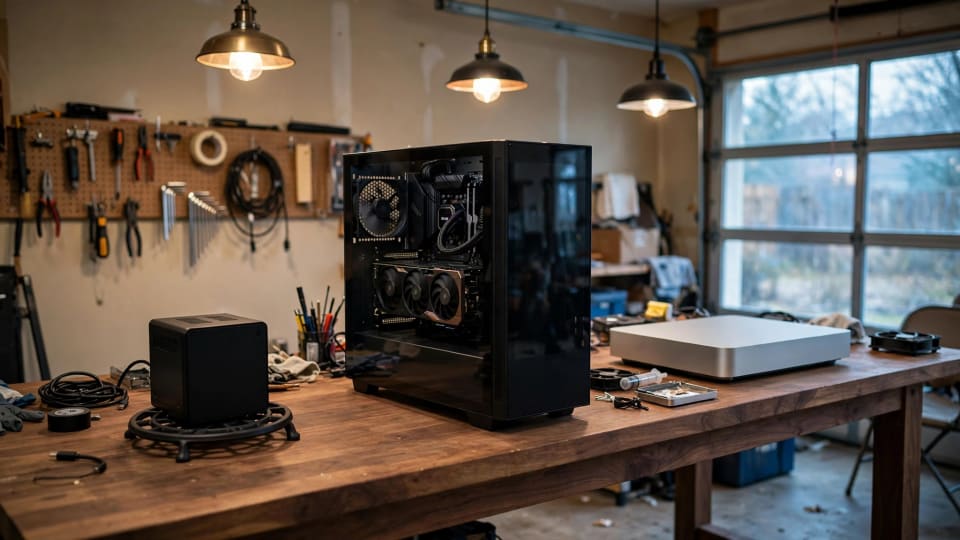
Shared-memory machines are larger capacity when you need the largest models. The FEVM methodology will be the faster on mid-size models in a small case. A tower card is typically the cheapest 24GB, though, since memory is charged rather than miniaturization.
Not sure where you land? Check out our hardware guides, which have more options that are within a beginner budget.
The Real Cost of Owning One: Price, Power, and Import Hassles
The retail price is just the beginning. This is what the complete picture entails.
Upfront price
- Entry FN80G: about $1,042
- FN80G with RTX 5080 (16GB): about $1,996
- FN80G with RTX 5090: about $2,980
- FA80G with Ryzen 7 9800X3D and RTX 5090: about $3,039
- FA80G with Ryzen 9 9950X3D and RTX 5090: about $3,308
They are barebone prices in Chinese yuan, meaning RAM, storage, shipping, and taxes are additional. Reportedly, there is one outlet that quotes approximately 3,575 on building the best Intel system but the numbers vary (Source: VideoCardz, Notebookcheck).
Power and noise
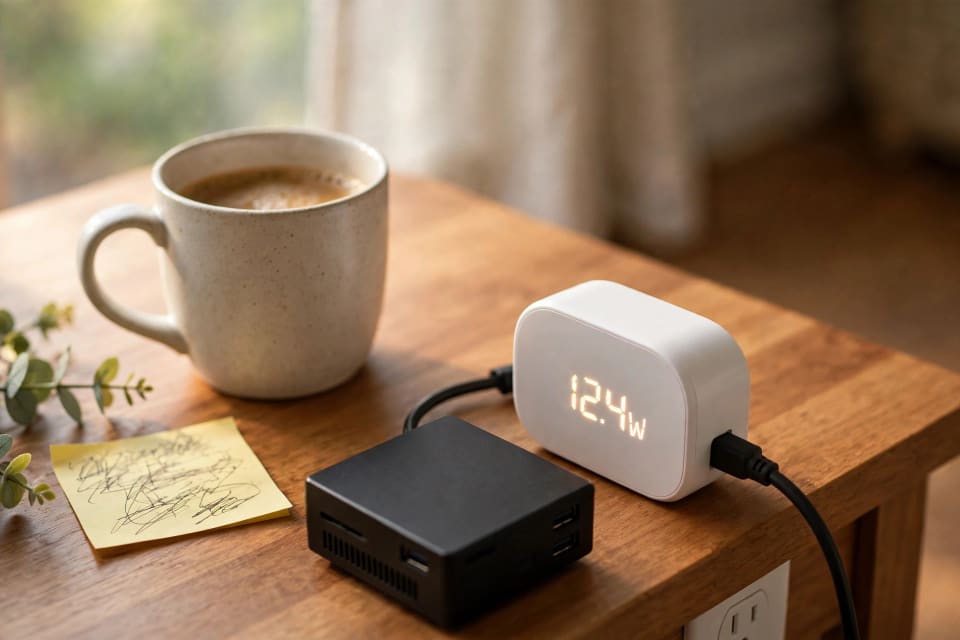
FEVM takes up to 250 watts of combined power. Eight hours of full load per day will cost approximately eleven dollars a month at the U.S. average of approximately 18 cents per kilowatt-hour (Source: U.S. Energy information Administration). The all-night running flat out limits at about 32. The actual AI utilization is mostly idle, thus your bill will be well below that.
FEVM asserts that the CPU will remain below 185 F, the GPU will remain below 176 F, and the noise will remain below 42 dB. They are figures of manufacturers, and independent tests are not yet present ( Source: VideoCardz).
Import hassles
As of early October 2026, we found no confirmed U.S. retailer. Imports may cause duties, brokerage and warranty hassles (Source: U.S. Customs and Border Protection). Make sure the power adapter that comes with it can take 120-volt U.S. plugs, and inquire of the seller about repair options. No matter what you purchase, secure what lives on it with a ransomware-impervious backup plan.
Conclusion
The 24GB of fast video memory is real, is tiny, and is still difficult to purchase in the U.S. FN80G is designed to fit home laboratories that are network intensive, FA80G is designed to fit gamers, and a tower card remains price leader per gigabyte. Before you import one, wait until you have independent tests and an authentic U.S. warranty. Are you prepared to be smarter about shopping? Next, check our Prime Day homelab deals article.
References
- NVIDIA: GeForce RTX 50 Series laptop specifications (24GB GDDR7, 10,496 CUDA cores, 896 GB/s, 1,824 AI TOPS): nvidia.com
- Runpod: RTX 5090 desktop specs (32GB, 21,760 cores, 1,792 GB/s, 575W): runpod.io
- Tom's Hardware: RTX 50 laptop GPU announcement (95–150W power range): tomshardware.com
- Notebookcheck: FEVM FN80G launch coverage, GB203 chip details, and the 128GB shared-memory FEVM system: FN80G, GB203 notes, shared-memory system
- VideoCardz: FN80G and FA80G pricing, power limits, cooling claims, and memory and storage options: videocardz.com
- Mobidevices: FN80G dimensions and CPU/GPU power split: mobidevices.com
- Fudzilla: FN80G ports and 10GbE: fudzilla.com
- XiaomiToday: FN80G vs FA80G networking and Thunderbolt differences, China-only availability: xiaomitoday.com
- Windows Forum: FA80G 90W CPU cap and the Ryzen 9 9950X3D's 170W default rating: windowsforum.com
- ComputingForGeeks, PromptQuorum, Layer3 Labs: 4-bit VRAM size tables and the 0.6 GB-per-billion-parameters rule: ComputingForGeeks, PromptQuorum, Layer3 Labs
- LLM Configurator: third-party speed estimate for 8B models (unverified): llmconfigurator.com
- U.S. Energy Information Administration: average U.S. residential electricity price, Electric Power Monthly: eia.gov
- U.S. Customs and Border Protection: import duties and trade basics: cbp.gov
