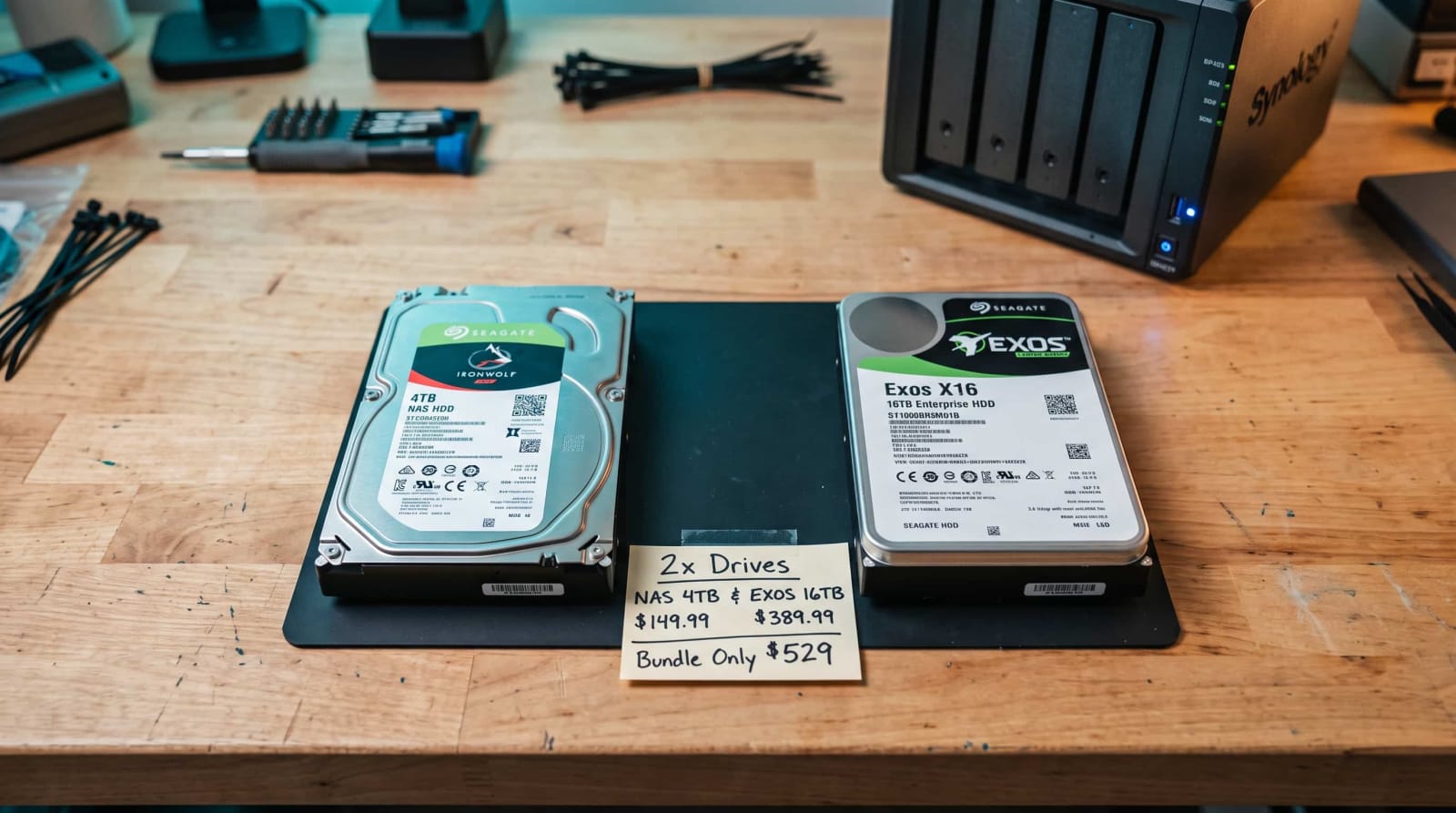
It is now October, and holiday deal season is heating up, and you have just seen a giant NAS hard drive at a price that you just can’t afford to pass on. You have a nice 2025 Synology box as well. No very long time ago, that box might have literally denied the possibility of constructing a storage pool with the drive. These are the changes, the beneficiaries, and what Synology still requires a keen eye before you make a purchase.
Quick Answer: As of October 8, 2025, Synology Plus, Value, and J Series NAS units with the 2025-model support hard drives of other brands, and use them as storage pools. The only one with a big exception is the M.2 NVMe: it is necessary to produce a new cache or a pool that uses Synology-approved SSDs. (Source: Synology press release)
Synology DSM 7.3 Release Notes: What Actually Changed
The issue with the drive of Synology began in spring 2025. In April, the company altered the way its latest DiskStation models managed hard drives and redirected the purchasing decisions of consumers to the Synology-labeled products. Even the popular NAS drives of Western drive and Seagate could not be stored in the pool. (Source: AppleInsider; Ars Technica)
Synology claimed it was to be reliable. It also boasted that its own proven drives reduced drive support tickets which were critical by approximately 40 percent. A lot of owners were not convinced (Source: Synology as reported by ITDaily). The drives at Synology tend to be pricier than those offered by other manufacturers, and the policy resembled a sales gimmick.
On October 8, 2025, DSM 7.3 released and liquefied the rules. (Source: Synology press release) The company informed Ars Technica that the community feedback indicated that flexibility was also vital.
Other security risk indicators have also been introduced in the update to prioritize patches faster, data masking in Synology AI Console, and a storage tiering option. (Source: Synology press release; ITDaily)
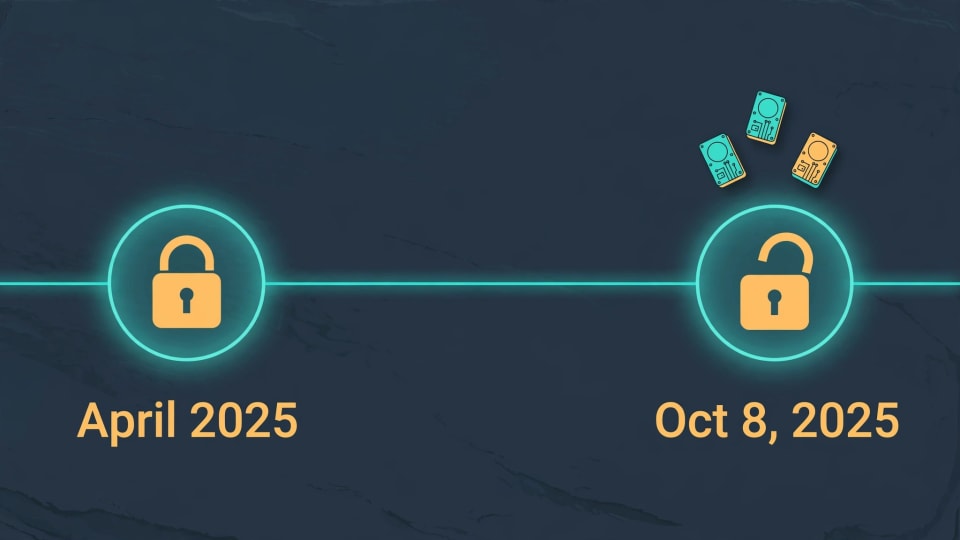
A Quick Timeline
- April 2025: Synology restricts its latest Plus-series to Synology-branded and certified drives.
- October 8, 2025: DSM 7.3 launches. The 2025 Plus, Value and J Series units are now capable of installing and constructing pools with unlisted drives.
- October 2026: The DSM 7.3 policy is the most recent one we’ve confirmed, and the M.2 SSD limits are still in place.
Can I Use Any Drive in Synology NAS? A Plain-English Answer
Not quite literally any drive, but much more than a year ago. Your answer is determined by three things: your NAS model, the kind of drive and what you want to do with it. That is to install it, create a storage pool, or store it as cache.
| Drive Type | 2025 Plus, Value, and J Series | Rackmount Plus, DVA, and NVR Models |
|---|---|---|
| 3.5-inch hard drive | Works for install and storage pools | Tighter limits still apply |
| 2.5-inch SATA SSD | Works, but may show as “unconfirmed” in Storage Manager | Tighter limits still apply |
| M.2 NVMe SSD | New pools and cache need approved drives | Tighter limits still apply |
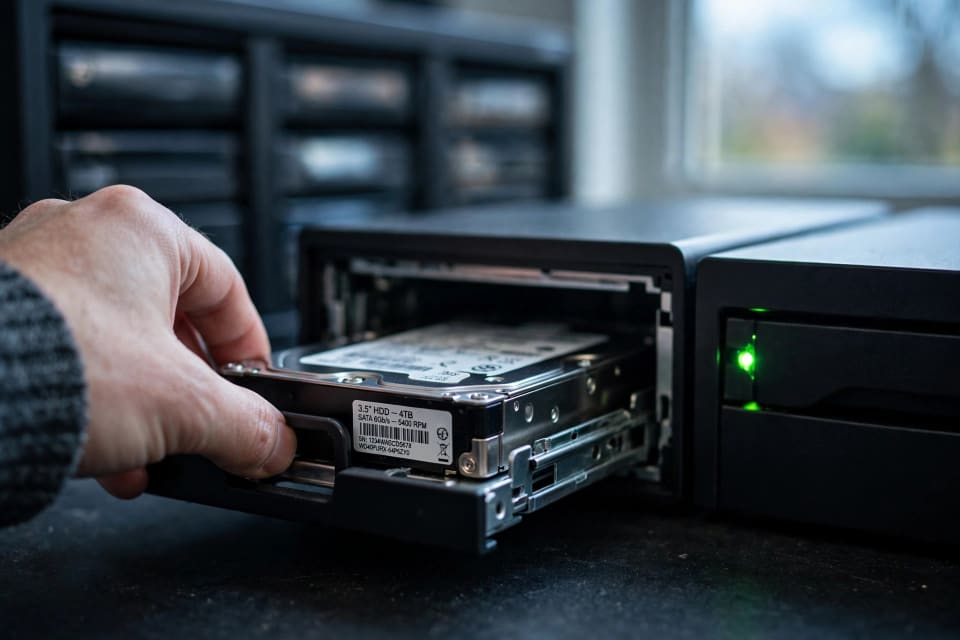
The big winners are hard drives and SATA SSDs. Synology ensured that these 2025 models are able to add and create storage pools using other brand drives. (Source: Synology press release)
There are varied reports on warnings. One of the outlets indicates that when you form a pool, DSM can display an informational notice. Another says unlisted drives load without any warnings whatsoever. Either way, the notice does not preclude you.
Other models published prior to 2025 have their own policies. Before you purchase anything, be sure to look up your model on the Synology policy page.
DS925+ Third Party Drives: Which 2025 Models Get the Freedom?
The change covers the 2025 model-year DiskStation Plus, Value, and J Series. The most attention is paid to the following Plus units:
| Model | Drive Bays |
|---|---|
| DS725+ | 2 |
| DS925+ | 4 |
| DS1525+ | 5 |
| DS1825+ | 8 |
Make sure that the unit is running DSM 7.3 or higher before you install anything. The unlock is not hardware-based, but software-based.
We recommend that you take off a community workaround that you used last year in order to bypass the lock and re-establish the usual method. One of the outlets had reported prior to its launch that it was not clear how those scripts would work with the new policy. (Source: NAS Compares)
Migration between older Synology and a new Synology has long been supported. The new rules coupled with them allow the owners to be considerably more flexible. (Source: Synology press release)
New to all this? Our novice expounder will assist you in making a decision on whether a NAS suits your plans.
Are Third Party NVMe Drives Still Restricted on Synology?
Yes, and new pools and new cache. According to the press release of Synology, to build a storage pool or cache as M.2, it is necessary to have a drive on its list of supported drives. The company claims that the limit is used to maintain performance when under heavy workloads (Source: Synology press release). (Source: NAS Store)

In case you had M.2 SSDs set up under DSM 7.2 they continue to work after the upgrade. Adding or reassigning new NVMe drives is the only way that the restriction is reached. (Source: NAS Compares)
The following are your choices:
- Purchase supported M.2 SSDs when you actually require a cache or a SSD pool.
- Flash storage: Use flash storage in 2.5-inch SATA SSDs, which are compatible with these models in DSM 7.3.
- Skip cache. Photos, backups, and media Cache is a welcome addition, but not a necessity. You can use our NAS and storage guides to make your choice.
- Caution with workarounds. They are editable, can be broken when updated, and not optimal when the data is unreplacable.
Synology claims that its outside hard drive and M.2 SSD validation program is underway and the list could be expanded. Part of the press coverage presented the policy change as temporary whilst tests are being carried out. It would be clever not to expect the rules to never tighten again. (Source: AppleInsider)
Synology Drive Compatibility List 2026: How to Check Before You Buy
The approved list, commonly known as HCL, is a list of drives which Synology has tested with each of their models. It is no longer a gate on 2025 units, however, it is worth considering.

Check Your Drive in Three Steps
- Search your specific NAS model on the Synology approved drive list and check if your drive is listed.
- Test the recording device. Note CMR drives, as SMR drives may crawl during rebuilds in a RAID. The trade-offs are divided into our guide to NAS drives vs. enterprise drives.
- Read warranty and terms of return. A premature failure is far less expensive to replace with a generous seller payback time.
What “Unlisted” Really Means
Bad drive is not tested; it is an unlisted drive. On 2025 models, DSM 7.3 will use it. The support is the trade-off. Synology support can restrict assistance on issues that are caused by the unknown drives. (Source: NAS Compares)
That is why it is good to be informed of your additional Synology support packages before misfortune befalls you. To get more buying tips, check out our hardware guides.
Synology vs Third Party Drives Price: Is Saving Money Worth It?
Drives under the Synology brand are typically priced higher than similar products by Western Digital, Seagate or Toshiba. Cost per terabyte is the best measure of the real savings. (Source: heise online; GIGAZINE) Divide price/capacity then multiply the gap with the amount of bays you are going to fill.
| Other-Brand Drive | Synology-Branded Drive | |
|---|---|---|
| Price per 16TB drive | $300 | $380 |
| Cost per TB | $18.75 | $23.75 |
| Total for a 4-bay NAS | $1,200 | $1,520 |

Example prices for illustration only. Look up live listings prior to purchasing.
The difference in this case is 320. It is actual money, but price is not all. Compare warranty, noises, power consumption, and failure data as well. Backblaze presents the statistics of drive failures by brands and models. The figure above displays the statistics on Backblaze Drives. (Source: Backblaze Drive Stats)
A NAS is not a backup, whatever you purchase. RAID saves you in case of a dead drive, not deleted files or ransomware. The recommendations of the CISA #StopRansomware guidance involve offline, encrypted backups. That can be configured at home, as our ransomware-proof backup guide demonstrates.
When Synology-Branded Drives Still Make Sense
- You desire a single company to be responsible of the entire system.
- You have an archival of family or business to store and you prefer simplicity to savings.
- You would prefer to be wholly on the approved list with no surprises not listed.
Conclusion
The DSM 7.3 update by Synology provided users of 2025 NAS with something that they severely needed; the ability to shop based on price, capacity and brand of the drives. The hook is less and still actual. NVMe pools and cache continue to require supported SSDs, and unlisted drives might receive less support assistance. Shop wisely, save frequently, and be aware of what your options to be assisted by look like. Then, read our Synology Plus priority support guide to find out what additional assistance is provided in case something goes wrong.
References
- Synology Inc. press release, “Synology Releases DiskStation Manager 7.3 Offering Support for Third-Party Drives” (as published by Vortez)
- Ars Technica, “Synology walks back drive restrictions on upcoming NAS models”
- AppleInsider, “Synology caves, allows all hard drives in 2025 NAS range, for now”
- ITDaily, “Synology Embraces Third-Party HDDs Again with Launch of DSM 7.3”
- heise online, “Synology only partially removes drive restriction for Plus NAS”
- NAS Compares, “The Synology Hard Drive and SSD Support Change in DSM 7.3 Explained” and “Should You Upgrade Your Synology from DSM 7.2 to DSM 7.3?”
- NAS Store, “DSM 7.3: Synology Finally Reintroduces Support for Third-Party Hard Drives”
- GIGAZINE, “Synology partially lifts NAS storage usage restrictions”
- Synology Inc., DiskStation product pages (bay counts)
- Backblaze, Drive Stats
- Cybersecurity and Infrastructure Security Agency (CISA), #StopRansomware