Topic Pillar & Cluster Hub

The Definitive Guide to Home Server Basics & Personal Cloud Architecture

Master the foundational principles of running your own private server at home. From choosing between Linux distributions to understanding low-power hardware, this comprehensive pillar guide gives you the baseline confidence to break free from cloud subscription models.

Carl McGregor
Carl McGregorSelf-Hosting Advocate
Modern home server setup demonstrating hardware architecture

Key Principles for this Pillar

  • A modern beginner home server uses less electricity than an LED lightbulb (6–15W).
  • Debian and Ubuntu Server provide the most reliable foundations for Docker container workloads.
  • CasaOS and Portainer offer intuitive web interfaces for users who prefer visual management over terminal commands.
  • Sovereignty means keeping full ownership of your data without recurring monthly storage bills.

Core Modules & Concepts

Hardware

Hardware Selection & Form Factors

Comparing mini PCs, used corporate micro desktops, and old laptops for 24/7 reliability.

Software

Operating System Selection

Debian vs Ubuntu Server vs lightweight appliance dashboards.

Architecture

Containerization 101

Why Docker and Docker Compose are essential for clean, portable service isolation.

Efficiency

Power & Thermal Management

Optimizing CPU C-states, fan curves, and annual electricity cost calculation.

Guides & Tutorials in Home Server Basics

3 Articles
October 6, 2026•10 min read

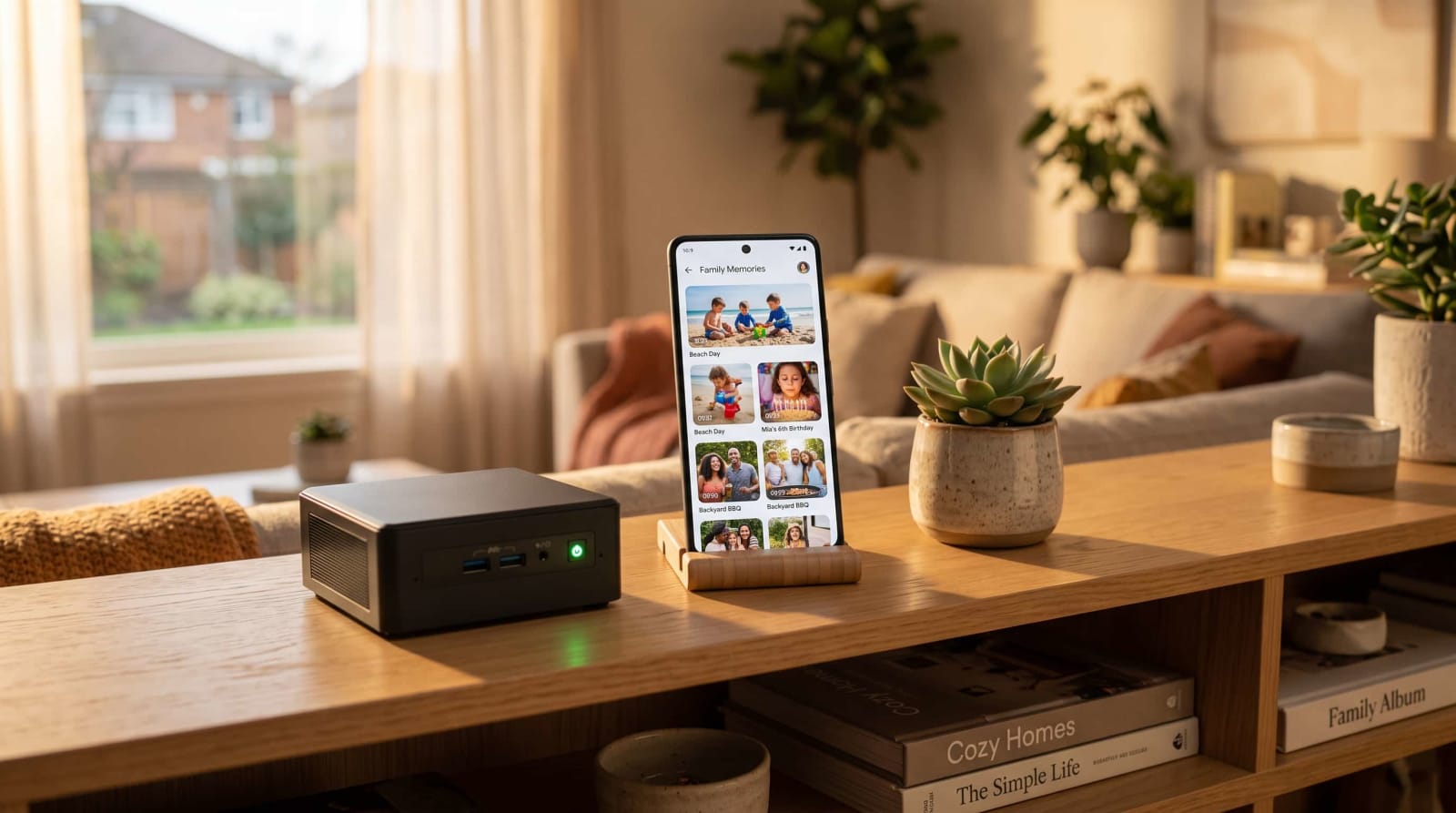
Immich Home Server Setup: Replace Google Photos

Tired of paying $120 a year just to keep your family photos online? Learn how to turn a small home server into a private, Google Photos-style library using Immich. You'll get step-by-step install instructions, automatic phone backups, and face grouping, all without a monthly bill.

By Carl McGregorRead
September 29, 2026•11 min read

How to Upgrade Proxmox 8 to 9 (Step-by-Step Guide)

Support for Proxmox 8 ended in August 2026, but moving to the current release is a safe, in-place upgrade you can finish in an evening. This beginner-friendly guide covers what changed, whether the new version is ready for home use, and what to prepare first. It then walks through each step, from backups and the readiness checker to switching to Debian 13 and rebooting. It also lists fixes for the most common post-upgrade problems.

By Carl McGregorRead
September 28, 2026•11 min read

What Is a Home Server? The 2026 Beginner's Explanation

If you are tired of escalating streaming bills and monthly cloud storage fees, setting up a home server offers a permanent, privacy-focused alternative. A home server is a small, always-on computer like an old laptop, a Raspberry Pi, or a mini PC that hosts your family albums, media, and files directly on your local network. This 2026 beginner's guide explains how to reclaim your data from big tech, requiring only a one-time hardware purchase and roughly $2 to $5 a month in electricity to run your own personal cloud.

By Carl McGregorRead

Home Server Basics Questions & Answers

Will running a home server slow down my home Wi-Fi?+
No. In fact, running local DNS ad blockers like Pi-hole can speed up your household browsing by eliminating ad trackers before they download.
Do I need a static public IP from my Internet Service Provider?+
No! With modern zero-trust overlay tools like Tailscale and Cloudflare Tunnels, dynamic public IPs or CGNAT connections work seamlessly without paying your ISP extra.