Topic Pillar & Cluster Hub

Beginner Setups: Step-by-Step Blueprints for Your First Weekend Server

Start here if you have never touched a server before. We guide you through installing your operating system, setting up your first container, configuring secure remote access, and backing up family photos in a single weekend.

Carl McGregor
Carl McGregorSelf-Hosting Advocate
Clean organized workbench with beginner server hardware

Key Principles for this Pillar

  • You can launch a functional home server in less than 2 hours using free tools.
  • CasaOS provides an app store experience that eliminates command-line frustration.
  • An old laptop makes a fantastic zero-dollar starter server with a built-in battery backup.
  • Follow our milestone checklists to build confidence one step at a time.

Core Modules & Concepts

Milestone 1

Milestone 1: Clean OS Installation

Flashing a USB installer, booting Linux, and establishing remote SSH access.

Milestone 2

Milestone 2: The Visual Dashboard

Installing CasaOS or Dockge for drag-and-drop container management.

Milestone 3

Milestone 3: Photo Backup Migration

Deploying Immich and setting up automatic camera roll sync on your phone.

Milestone 4

Milestone 4: Encrypted Remote Access

Installing Tailscale so you can browse your server from coffee shop Wi-Fi.

Guides & Tutorials in Beginner Setups

3 Articles
October 13, 2026•10 min read

Apple HomeView vs Home Assistant: Your Server Wins

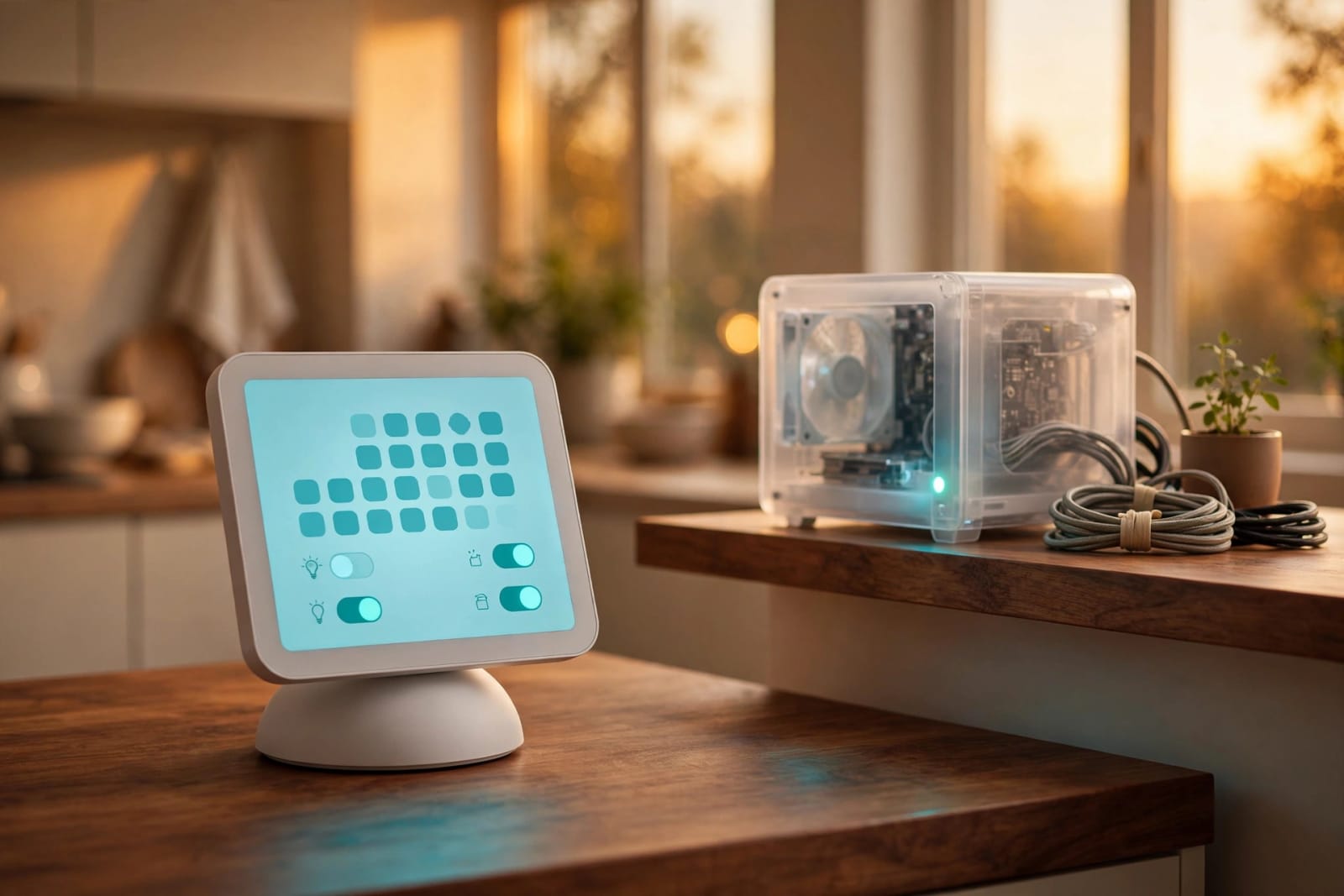
Apple's $299 HomeView lands November 13 with a smarter Siri and a 7-inch screen. Your own home server can run more brands, cost less to start, and keep your data under your roof. Here is who should buy which, and how to build the brain for your house this weekend.

By Carl McGregorRead
October 4, 2026•12 min read

Raspberry Pi Price Increase: Still Worth It?

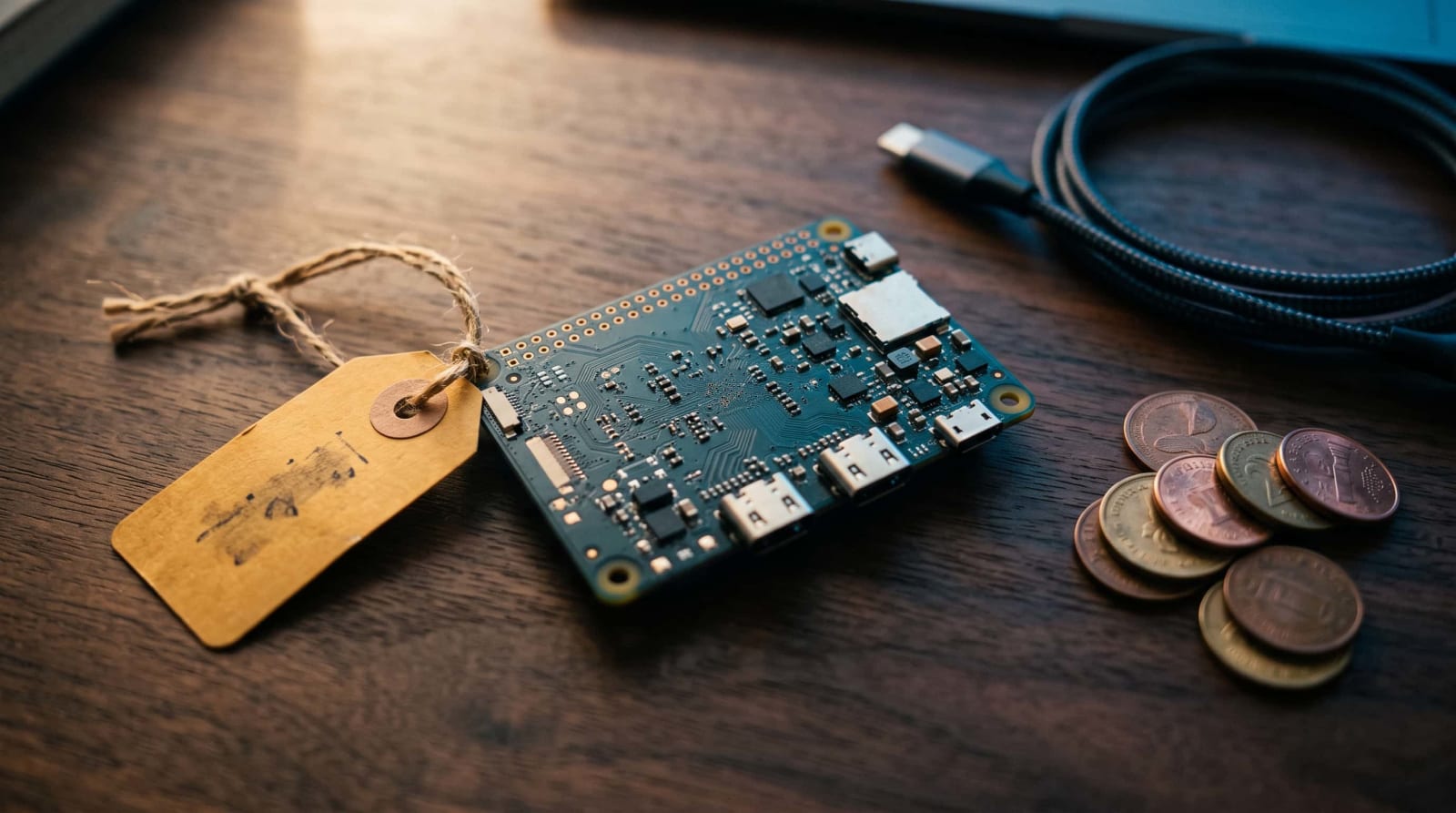
Raspberry Pi just raised the cost of its cheapest boards again, pushing the 2GB Pi 5 to $77.50. We break down what changed, why memory costs keep climbing, and which boards still make sense. Plus smarter picks, from mini PCs to older Pis, so you don't overspend on your home server.

By Carl McGregorRead
October 1, 2026•11 min read

umbrelOS 2.0 Review: Turn Any Old PC Into a Cloud

The newly released umbrelOS 2.0 transforms any dusty, idle PC into a powerful, subscription-free personal cloud. This major update introduces seamless iPhone photo backups, individual family accounts, and built-in virtual machines accessible right from your browser. It offers an exceptionally accessible entry into self-hosting, though early adopters should keep external backups handy while the fresh software settles.

By Carl McGregorRead

Beginner Setups Questions & Answers

What happens if I make a mistake while following the guide?+
Because services run in isolated Docker containers, mistakes are easy to undo: simply delete the container and relaunch it with clean settings.