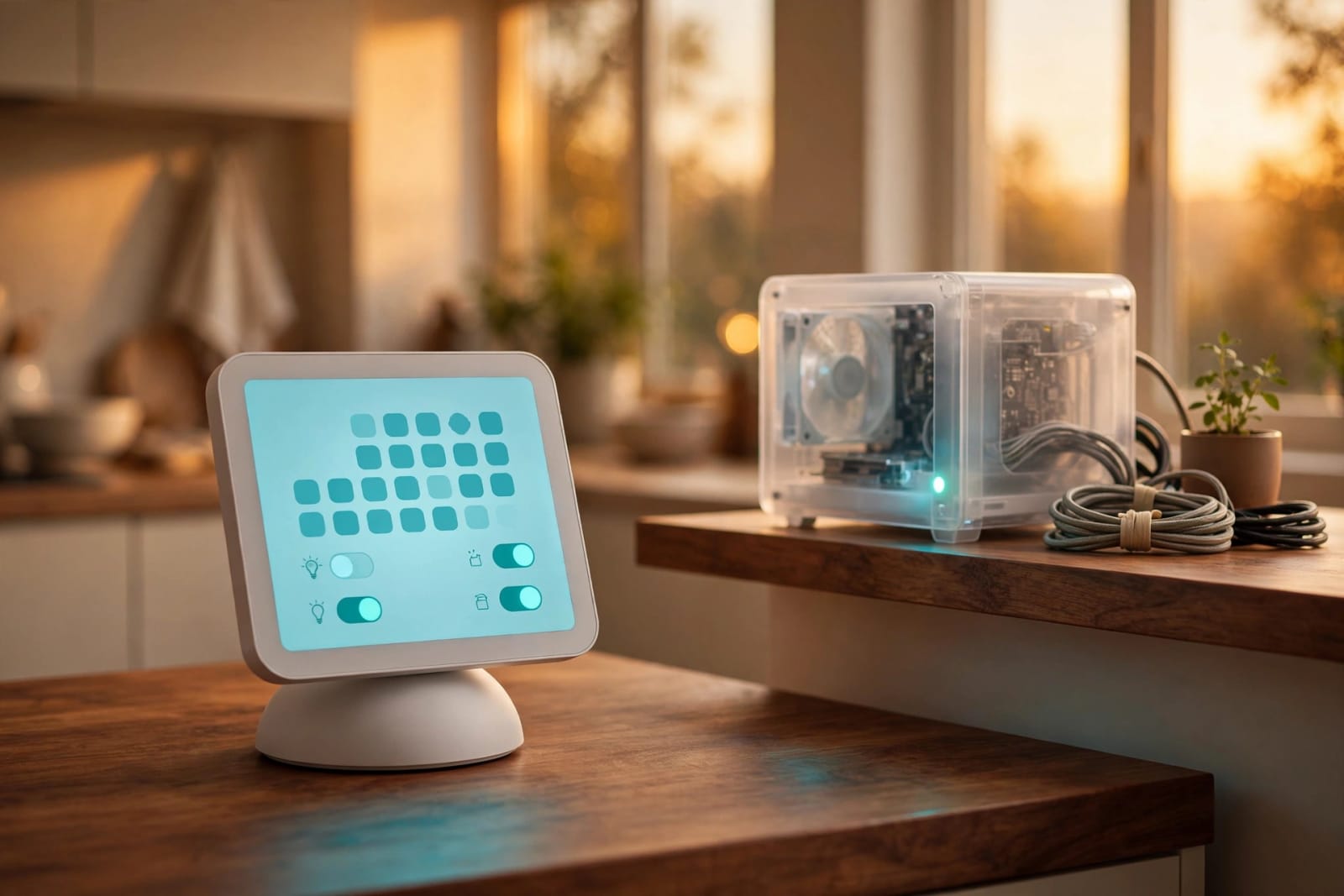
Your iPhone has just informed you that you have no more space, you are about to go on a holiday and you want your photos and cloud companies are asking you to pay them a monthly subscription. In the meantime, you have an old desktop in your closet that is gathering dust. The biggest update to date of Umbrel will transform that forgotten box into your very own private cloud, free of subscription. This is what it contributes, what it lacks, and what it still lacks.
Quick Answer: The release of Umbrel on September 22, 2026 ( Source: Umbrel release announcement) is a free, home server operating system that you install either on an available spare Intel or AMD computer or a Raspberry Pi. It includes a photo library with an iPhone backup application, individual accounts per person, complete desktop operating systems within a browser window and protection of drive failures. One of the most amiably accessible methods of transforming a dusty PC into a personal cloud currently, it has a few rough edges to its new releases.
umbrelOS 2.0 Features: What's Actually New
Umbrel refers to it as the largest update ever. It was shipped on September 22, 2026, following a public beta which opened on September 2 (Source: Umbrel community announcements). The essence remains the same: a clean dashboard and an app store containing over 300 one- click apps, such as Jellyfin, Home Assistant, and Vaultwarden (Source: Umbrel GitHub repository). What is new is the extent to which a entire household can do with it. The complete changelog is in the official release notes of Umbrel.

Photos and the iPhone and Mac apps
All your photos and videos would now be displayed under a single timeline of albums, favorites, and search ( Source: Umbrel support documentation). A new iPhone application will automatically back up your camera roll, which means that it can serve as an alternative to a paid photo-storage plan in many households. The Mac application will place your Umbrel as a Finder drive. Umbrel also releases tutorials about transferring out of Google Photos, Apple Photos and iCloud, and Immich.
Multiple users and shared folders
The previous version focused on a single account, which was strange to a box that contains the family information. Everyone now has his/her own login, home screen, and personal Home folder. The owner has the option of sharing which apps and folders (Source: Umbrel support documentation). It is a true upgrade in a family with children, other roommates or a spouse who needs privacy.
Drive protection with FailSafe
Storage Manager is able to centralize two or more internal drives into a single large space on a device with two or more drives. It may as well be configured to activate FailSafe, a RAID-like configuration that can save your data in case of the death of one of the drives (Source: Umbrel support documentation). Keep in mind that RAID is not a backup. It shields against an unsuccessful drive, not a deleted folder or ransomware. Combine it with a ransomware resistant backup.
AI agents and GPU acceleration
An in-built MCP server allows AI agents like Claude Code or Codex to install applications, change configuration, and manage files, and only the permissions you allow (Source: Umbrel support documentation). In case AI tools are not your cup of tea, you may disregard it.
The GPU update is more readily comprehensible. Applications such as Ollama and Jellyfin can now be accelerated using NVIDIA, AMD and Intel graphics, including Thunderbolt external graphics. In case you have not left Plex, our Plex to Jellyfin migration guide covers the migration.
Will Your Old PC Qualify? Hardware Requirements
Probably, yes. Umbrel gives small minimum requirements of Intel and AMD machines ( Source: Umbrel installation documentation):
| Spec | Minimum | Recommended |
|---|---|---|
| CPU | Dual-core 64-bit Intel or AMD | Quad-core or better |
| RAM | 4 GB | 8 GB or more |
| System drive | 32 GB | USB SSD (a good USB stick also works) |
| Extra drives | Optional | Two or more NVMe or SATA drives for FailSafe |
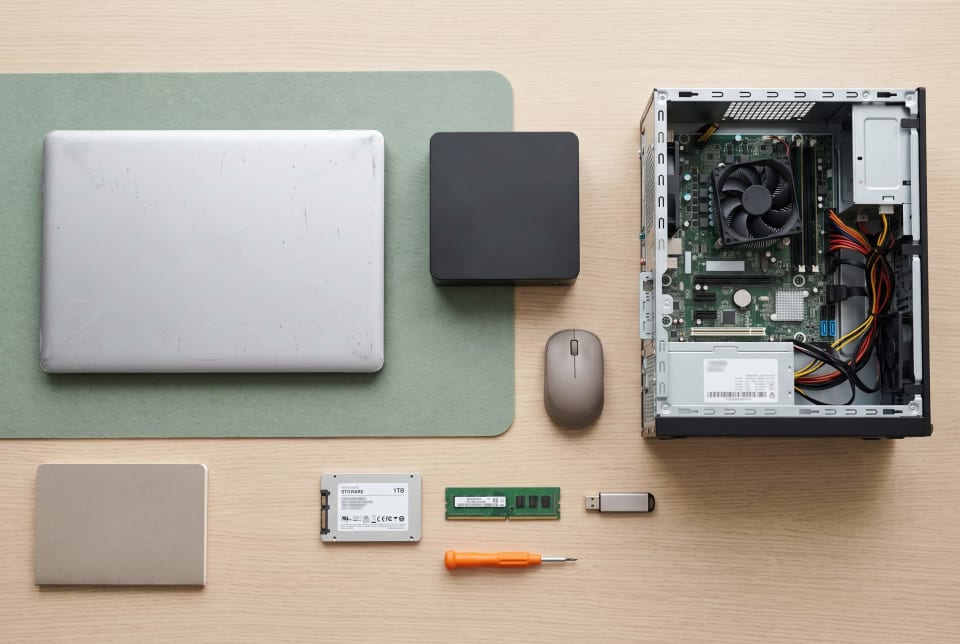
Any 64-bit laptop or mini PC or desktop passing that bar is fair game. Raspberry Pi 5 also works, but Umbrel recommends booting it either with an NVMe drive or a USB drive, instead of a microSD card (Source: Umbrel GitHub repository). Raspberry Pi 4 is supported once again. New to all this? Our novice setups line is the essentials.
Plan also on power. These days an elderly desktop sitting idle with a power consumption of approximately 50 watts would consume approximately 440 kilowatt-hours/year. That is about 70 to 80 at average electricity rates in the U.S. ( Source: U.S. Department of Energy; U.S. Energy Information Administration). Laptops and mini PCs tend to consume significantly less. The Department of energy estimates on energy-use demonstrates how to measure your personal machine.
How to Install umbrelOS on Old PC Hardware, Step by Step
Both options below destroy a drive, hence save anything important that you have first.

Option 1: Run it from a USB drive (easiest)
Umbrel suggests this path to the majority of machines including those that have just one internal drive (Source: Umbrel installation documentation).
- Download amd64 latest image on the downloads page of Umbrel.
- Install Balena Etcher on another computer.
- Plug in a USB drive of at least 32 GB (it will be erased) and flash the image.
- Put that drive in the old PC, connect an ethernet cable to your router, and power on.
- Unless the PC will boot using USB, configure USB in the first boot option in your BIOS and leave it.
- After some five minutes open the browser in the same network and open http://umbrel.local.
Option 2: Install it on an internal drive
Don't want a USB drive dangling off the back? Instead, use the USB installer. Copy the installer to a 4 GB or larger stick and connect a monitor and a keyboard; then boot off it and select the target drive by size. All on that drive is wiped out.
The tradeoff is that this drive is shared with your apps and data. Neither can it be part of a Storage Manager pool.
Once booted, you can create your owner account and select your use of any additional drives. And enable two-factor authentication.
umbrelOS Machines: Virtual Machines Inside Your Home Cloud
The headline addition that tinkerers can enjoy is machines. All are fully fledged computers with their own sealed environment, and you browse its desktop directly in a tab in a browser (Source: Umbrel support documentation). In Intel and AMD hardware, the list is built-in and includes:
- Ubuntu 26.04 LTS, Debian 13, and Fedora 44 (desktop or server).
- Android 13 + Google apps.
- Windows 11, and Windows Server 2025 Evaluation.
- Old favorites such as windows 7, XP and 98 (XP and 98 require your own product key)
It is also possible to post your own installer ISO. Windows is not enabled, and you will have to provide your license.
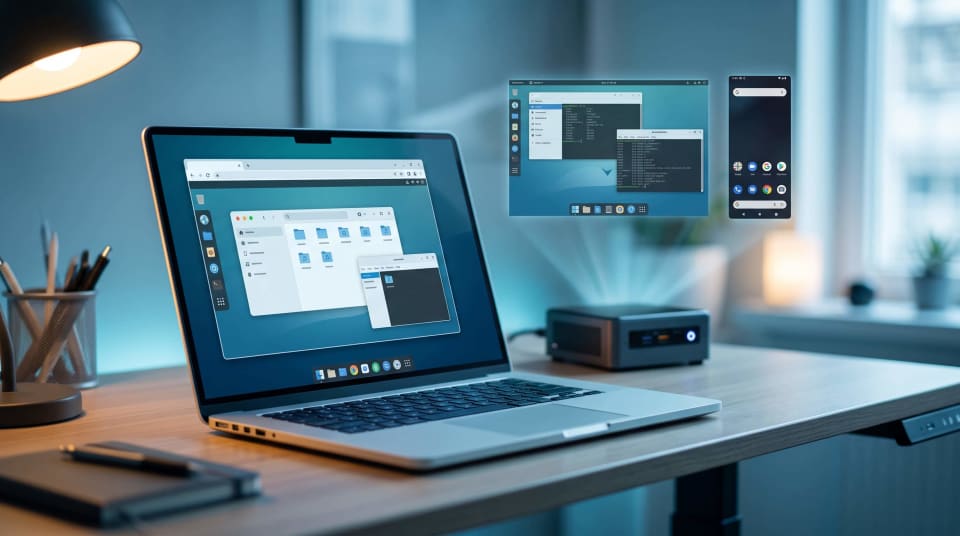
It only takes a minute to create one. Select an operating system, upgrade or change the proposed processor, memory, and storage, create a username and password, and select create. Umbrel downloads and installs all.
Some things to remember:
- Turn on virtualization. Make sure Intel VT-x or AMD-V is enabled in your BIOS. In its absence, machines revert to much slower emulation.
- Owner only. Machines can only be used by the owner account.
- Private by default. Machines are attached to a personal network within your Umbrel. Port forwarding has to be enabled in the settings of the devices to reach each other.
- Backups included. Internal storage has machine disks that are included in your daily backups.
This will not replace a full hypervisor, which you may already be running. It is a far more gentle on-ramp, however. The next level is illustrated by our Proxmox upgrade guide.
Is umbrelOS Free? License, Cost, and Hidden Expenses
For home use, yes. Umbrel claims the downloadable software is free and full on any hardware. It is the same software that is included on its own Umbrel Home and Umbrel Pro devices (Source: Umbrel GitHub repository).
This license is PolyForm Noncommercial 1.0.0, making it permissible to use personally and nonprofit. Companies interested in selling products based on it need to reach out to Umbrel ( Source: Umbrel GitHub license). That renders it source-available as opposed to traditional open source, which is important to some purists.
This is what is actually included in free:
- Software: $0 for personal use.
- Hardware: Free in case you already have the PC. Additional SSDs or drives are more expensive.
- Electricity: about 50-watt desktop costs about $70 to 80 per year (an estimate).
- Backups: a cloud drive or external drive. The data backup guidance provided by CISA clarifies the reasons why this is important.
- Windows: a license provided you would like to run in Machines.
umbrelOS vs CasaOS: Which Should You Pick?
Both convert idle hardware to a home server based on Docker and an app store. They have taken other turns of late.

| umbrelOS | CasaOS | |
|---|---|---|
| Install style | Standalone OS, can't be added on top of existing Linux | Can install on top of an existing Linux system |
| License | PolyForm Noncommercial | Apache 2.0 |
| Latest release | Major update, September 2026 | v0.4.15, December 2024 |
| Extras | Photos, Machines, multiple users, AI agent access | Simple dashboard and app launcher |
| Direction | Actively developed | Its maker now points users to ZimaOS |
Select Umbrel in case you prefer an appliance-like experience, regular updates, and family functionalities. Select CasaOS when you require a permissive license or desire to apply a dashboard on top of a Linux box you are familiar with using. Only to know that its release schedule has been silent at the time of writing.
Limits to Know Before You Update
- It's brand new. The practical review of the beta revealed that the Photos and some of the cloud-download functionality remained rough (Source: NAS Compares). Before putting your only copy of anything in it, consider waiting until the first follow-up patch.
- The upgrade is a one way upgrade. Once you have upgraded to the version 1.x, it is irreversible unless you wipe your Umbrel (Source: Umbrel support documentation). Back up first.
- Multi-drive configurations might require a new installation. Assuming that you have created a multi-drive setup using 1.x, then you will require a clean install to add the additional internal drives to the usage of the Storage Manager (Source: Umbrel support documentation).
- Remote access needs care. Don't forward ports to the open internet. Instead, compare the use of the private remote-access tools and adhere to the NIST advice on authentication by using the two-factor login.
- Old hardware fails. Elderly people die unexpectedly, have backups.
References
- Umbrel Support – What's new in umbrelOS 2.0: Official changelog and feature updates detailing the transition to the new architecture (Updated September 25, 2026).
- Umbrel Support – Installing umbrelOS on amd64: Official documentation and step-by-step instructions for installing the OS on standard x86/amd64 hardware.
- Umbrel Support – Using Machines: Official guide on configuring and managing virtual machines within the umbrelOS environment.
- GitHub – Umbrel Repository: Official source code, README, hardware compatibility list (supported devices), and software licensing information.
- Umbrel Community – Introducing umbrelOS 2.0: Initial platform announcement and feature preview shared with the community (September 2, 2026).
- Umbrel Community – umbrelOS 2.0 is out now: Official release announcement and user discussions regarding the rollout (September 22, 2026).
- NAS Compares – UmbrelOS hits ver.2.0 – How Much Different is it?: Third-party analysis and comparative review of the new OS features and performance (September 18, 2026).
- GitHub & Third-Party Reviews – CasaOS Releases: Release history for CasaOS, used alongside third-party comparisons like The Bitcoin Hole's "Umbrel vs CasaOS (2026)" to evaluate home server operating systems.
- U.S. Department of Energy – Estimating Appliance and Home Electronic Energy Use: Official guidance and formulas for calculating the continuous running costs of home servers.
- U.S. Energy Information Administration (EIA) – Residential Electricity Prices: Official national average data used to estimate residential power consumption costs.
- Cybersecurity and Infrastructure Security Agency (CISA) – Data Backup Options & Guidance: Federal cybersecurity recommendations for securing data and maintaining reliable backups.
- National Institute of Standards and Technology (NIST) – Digital Identity Guidelines (SP 800-63B): Authoritative standards for secure authentication, password management, and identity verification.
Conclusion
The largest update made by Umbrel transforms an unused PC into a surprisingly full-fledged private cloud: photo backup, family accounts, drive protection, and even full desktops in a web tab, all of which can be used at the expense of the individual. It is not old enough yet, and therefore save it before updating and use it as a single copy of anything. New to self-hosting? Read What Is a Home Server to the left to learn the basics before you flash that USB disk.