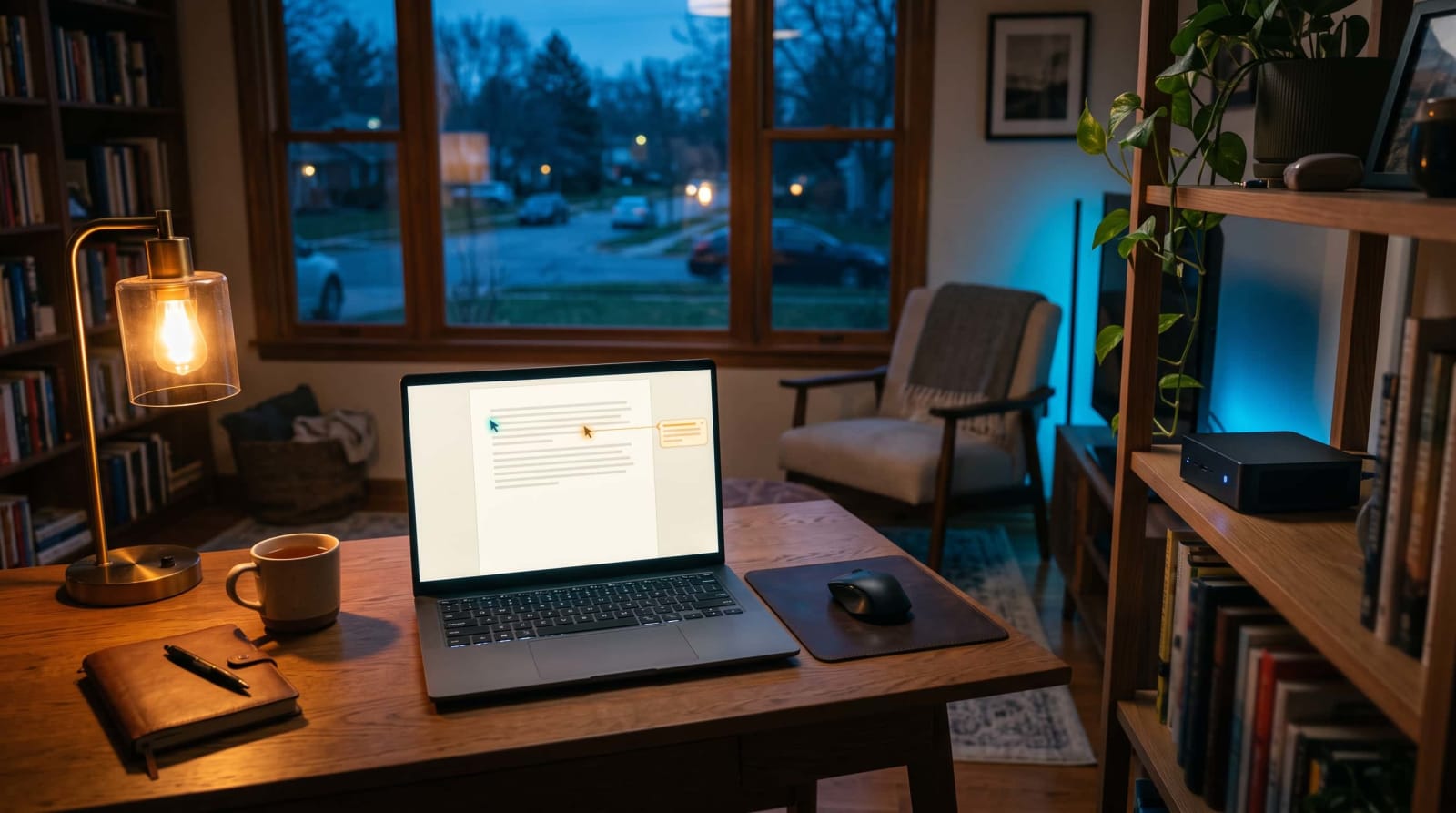
It's a Sunday night in October. Your family budget, your kid science fair outline and the HOA meeting notes are all in a Google account that you do not actually own. A single lockout, a single change in the policy or a single unexpected price increase and all the files are in danger. Instead, some home-lab fans have their documents in a little box in the closet. Now Nextcloud has a full-fledged editor that is designed to do just that.
Below, you'll see what the new editor does, how it stacks up against the main rival, and how to switch it on at home.
Quick Answer: The new editor of Nextcloud is a free, open source word processor, which is run on a controlled server. It features co-editing in real-time, comments, monitored changes, DOCX and ODT files, and an offline mode within Nextcloud Office. To access it, activate Nextcloud Office in your personal Nextcloud instance, and pick an Office package in the administration options.
What Is Nextcloud Write, and Why Use a Self-Hosted Google Docs Alternative?

What it is
Imagine it as a personalized Google Docs. On October 5, 2026, Nextcloud brought this editor into the limelight by announcing it as such (Source: Nextcloud). It resides in Nextcloud Office, which also has a spreadsheet editor and a presentation editor.
All of this works on the infrastructure of your choice, be it a home server in your closet or a hosting firm you know and trust. Your documents never have to pass through a big tech company's data center. Nextcloud is open source and once it is operational, you can get to know a lot of other self-hosted applications.
Who it suits
It suits well the families that store budgets, school papers, and legal paperwork in common documents. It is also applicable to clubs, HOAs and small businesses that wish to write jointly without paying a monthly fee per individual.
Why people make the switch
- Control. The files are stored on your hardware and thus no account lockout or policy change by the vendor can cut you off.
- Space. The basic Google account has 15 GB of storage divided among Drive, Gmail, and Photos and Docs files consume it (Source: Google Account Help). A home server utilizes any drive installed.
- Privacy. Nextcloud claims the information of documents remains on your servers or a trusted cloud provider ( Source: Nextcloud).
The real trade-off is one. You are the IT department, and thus updates, back up, and security is your responsibility. In case it sounds like a fun weekend project and not a chore, read on.
Collaborative Editing on Your Own Server: What You Get
Nextcloud explains a set of features that will be familiar to you when you used Word or Google Docs ( Source: Nextcloud):
- Live co-editing. The cursor of each author appears in a different color, thus you can tell who is typing where.
- Review mode. Track edits, accept or reject changes, as in Word.
- Margin comments. Leave and reply to comments right beside the passage they're about.
- Templates. Begin with pre-made templates, or create your own proposal and meeting notes templates.
- Version history. Any modifications are automatically saved and previous drafts remain to be reviewed or restored.
- Compare and combine. Combine the two drafts when two individuals were working on the two drafts.

Sharing without handing over your data
You may assign fine-grained permissions to each individual inside your server. To non-users, you can provide a public link to enable individuals without an account to view or edit. It is even possible to make multiple links on the same file, one read-only and one editable (Source: Nextcloud).
Co-editing of the same document is also possible across across servers in teams, even when the different servers are running on different Nextcloud instances. It comes in handy when a small business has a partner company (Source: Nextcloud).
An optional private assistant
The AI assistant of Nextcloud can also be used to refine phrases or summarize lengthy documents by the editor. Being the admin, you can choose what AI model it operates and where it is executed, locally or at a trusted provider (Source: Nextcloud). Not interested in AI? It's optional.
Desire same stack private email? Our tour of the way Tuta Mail was installed in Nextcloud makes a fine read.
Nextcloud Write Offline Editing: Does It Really Work?
Nextcloud says yes. Should your internet go dead, you can continue working and any changes will be synced once you are online again (Source: Nextcloud). It comes in handy on an aircraft, in a cabin or when the ISP goes off.
There's one catch. As of the time of writing, the Office page of Nextcloud still listed the Euro-Office desktop client as coming soon ( Source: Nextcloud). Therefore, your experience might differ based on what office suite and app version you are on.

A five-minute offline test
Test this at home before you place your trust in offline mode on a trip:
- On your laptop, install the desktop application and open a test document.
- Switch off Wi-Fi and perform some adjustments.
- Reconnect and verify the changes are replicated to the server.
- Make changes on a second device when offline on the same file, and reconnect to observe the appearance of conflicts.
When two individuals edit the same file, and then do so individually, the compare-and-combine tool may assist you in harmonizing the variations (Source: Nextcloud). Anything important ought to have a local DOCX copy that serves as a backup.
Nextcloud Write vs OnlyOffice: Which Should You Pick?
Now this is where people get confused: the editor is not an independent product that has its own engine. Nextcloud Office is compatible with various office suites and Nextcloud claims that you can alternate between the suites anytime without any loss of data (Source: Nextcloud).
| Euro-Office | Collabora Online | |
|---|---|---|
| Design | Client-centric: most processing happens on your device | Server-centric: the server does the heavy lifting |
| Format focus | Compatibility with Microsoft file formats | OpenDocument Format first |
| At home (our reading) | Lighter load on a small server | More work lands on your server |

Where ONLYOFFICE fits
ONLYOFFICE is an independent company that has its own editors, and it provides a connector that will integrate them into Nextcloud. In March 2026, it said it was halting its collaboration with Nextcloud. It claimed that Euro-Office recycles its technology and expressed the concern of licensing and credit. It vowed to continue supporting and developing its Nextcloud connector in the same statement (Source: ONLYOFFICE). Public statement of Read ONLYOFFICE to its entire position.
So which one?
When most of your files are Word and Excel, use Euro-Office. Collabora Online is a good alternative if you would like to use open standards such as ODF. Unless you are already using ONLYOFFICE and it is functioning, then there is no immediate need to tear it out. As the conflict is in view, consult both parties before committing on behalf of a business.
How to Enable Nextcloud Write: A Nextcloud Office Setup Guide
You don't need a new server for this. Nextcloud Office is an addition that can be added to any Nextcloud instance, whether hosted on a trusted provider or self-hosted (Source: Nextcloud).
What you need first
- An admin login and a running Nextcloud server. Euro-Office can be used since the Nextcloud Hub 26 Spring, so first update, when you are behind (Source: Nextcloud).
- A safe way in. Remote access should be done using a mesh VPN rather than opening ports in the router.
- A tested backup. Our backup plan that is ransomware-resistant is basic.
Turn it on in five steps
- As an admin, go to the Apps page using the profile menu.
- Find Nextcloud Office (check the Office & text category) and enable it.
- Open Administration settings, select the Office page and your suite: the Euro-Office or Collabora Online.
- Go to files, and then you can add a new document using a template, by clicking +.
- Post it to a test account, collaborate on it and verify comments and version history activity.

The labels in the menu can move slightly with each release, and thus, it is worth comparing each step to the official Nextcloud administrator manual of your version.
Common snags
- Documents won't open. Ensure that in the admin settings, a suite has been chosen and your server is utilizing HTTPS.
- Slow typing. A simple hardware might not work when the suite performs its task on the server and therefore give the other suite a test.
- Odd formatting. Before deleting anything Open a significant Word file, verify tables and fonts and compare it with the original.
Lock it down before you invite anyone
Your most personal files are stored in a document server, and it is best to tighten it up first. The Secure Our World guidance by CISA reduces it to passwords that are strong, multifactor authentication, and software updates. Then stroll through our homelab security checklist to identify open ports and weak spots.
How Much Does It Cost to Run Your Own Docs Server?
The software is open source. Its running box is not and here is a real life view.
| Cost | Free Google account | Self-hosted Nextcloud |
|---|---|---|
| Software | $0 | $0 (open source) |
| Storage | 15 GB shared with Gmail and Photos | Whatever drive you install |
| Hardware | $0 | $0 if you reuse an old PC; roughly $100–$250 for a used mini PC |
| Electricity | $0 to you | About $22 a year for a 15-watt box |
| Your time | Almost none | A weekend to set up, plus a few hours a year for updates |
The electricity equations are easy. U.S. average residential electricity rate is approximately 17 cents per kilowatt-hour ( Source: U.S. Energy Information Administration ). A 15-watt box that runs 24 hours consumes approximately 131 kilowatt-hours per year or approximately 22. The hardware cost and power consumption are approximate values, and thus verify the latest values and test your own device using a plug-in power meter.
In case you would prefer not to work, Nextcloud claims that you can go with a trusted provider or its Enterprise plans of direct engineering support ( Source Nextcloud ). In any case, maintenance is a small cost to pay to be free.
Conclusion
The editor of Nextcloud will provide you with real-time co-editing, comments, DOCX support and an offline mode, on a server controlled by you. It will not be the right choice to all, as you assume the updates and backups, but in the case of privacy-conscious households, it is a great move in the direction of not subscribing to big tech. Ready second piece of your personal stack? Read our guide to why Tuta Mail has migrated to Nextcloud and consolidated email and documents in a single roof.
References
- Nextcloud GmbH, blog announcement published October 5, 2026: https://nextcloud.com/blog/nextcloud-write-open-source-word-google-docs-alternative/ (features, formats, offline mode, sharing, federation, AI assistant, office suites, hosting options, Enterprise plans)
- Nextcloud GmbH, Nextcloud Office page: https://nextcloud.com/office/ (Euro-Office released June 9, 2026; available starting with Hub 26 Spring; desktop client "coming soon")
- ONLYOFFICE (Ascensio System SIA), blog post dated March 31, 2026, "Partnership with Nextcloud suspended — No impact to current partners or clients": https://www.onlyoffice.com/blog/2026/03/partnership-with-nextcloud-suspended/
- Google, Google Account Help, "Google storage" article (15 GB shared across Drive, Gmail, and Photos; Docs files count toward storage). No URL given because I couldn't confirm the exact page, so search Google Account Help for it.
- Cybersecurity and Infrastructure Security Agency (CISA), "Secure Our World": https://www.cisa.gov/secure-our-world
- U.S. Energy Information Administration, Electric Power Monthly (average residential electricity price): https://www.eia.gov/electricity/monthly/
- The $100–$250 used mini PC range and 15-watt draw are rough estimates, not sourced. Check current listings and measure your own device before publishing.